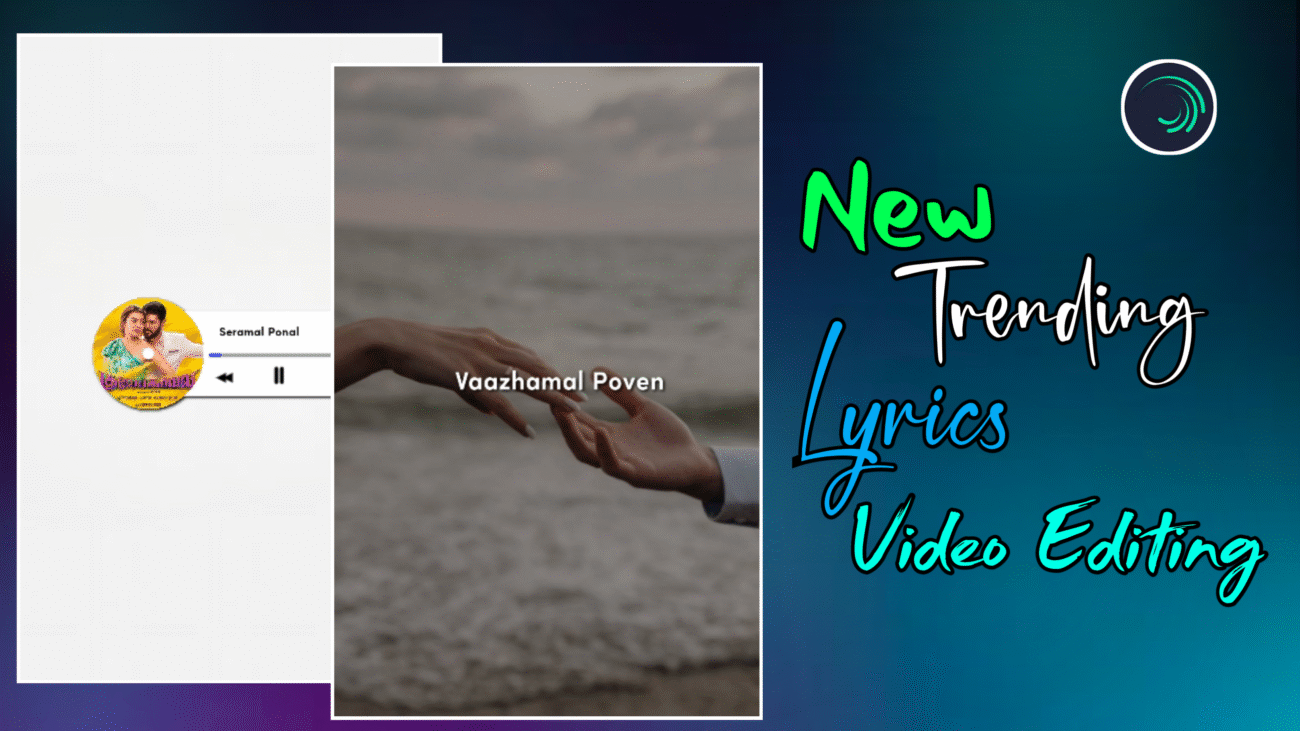
Instagram Reels-ல 2025-ல் romba fast-ஆ trending-ஆ irukkura content formats-ல Lyrics Video Editing ஒரு main place பிடிச்சிருக்கு. Simple lyrics-ஐ screen-ல show பண்ணுற காலம் முடிஞ்சு, இப்போ creators எல்லாரும் smooth background movement, unique typography animation, XML-based workflow மாதிரி advanced techniques use பண்ணி reels-ஐ professional-ஆ மாற்றுறாங்க.
இந்த article-ல, Alight Motion app use பண்ணி எப்படி ஒரு 2025 trending lyrics reel-ஐ professional-ஆ edit பண்ணலாம் என்பதை basic setup-ல இருந்து advanced background motion, typography animation, finishing & export வரை clear-ஆ explain பண்ணப் போறோம். Beginner-ஆ இருந்தாலும் சரி, already editing pannitu irukkura creator-ஆ இருந்தாலும் சரி – இந்த guide உங்களுக்கு practical-ஆ useful ஆகும்.
Project Setup மற்றும் XML File Import
High-quality output கிடைக்கணும்னா, editing start பண்ணுறதுக்கு முன்னாடி base setup correct-ஆ இருக்கணும். 2025-ல் most professional editors use பண்ணுறது XML-based projects, ஏன்னா time save + consistent animation கிடைக்கும்.
Alight Motion app-ஐ open பண்ணிட்டு Projects section-க்கு போய், இந்த tutorial-க்கு use பண்ணுற XML file-ஐ import பண்ணணும். XML file open பண்ணினா, already optimized layers, animations, timing எல்லாம் ready-ஆ இருக்கும். Manual-ஆ எல்லாம் start பண்ண வேண்டிய அவசியமே இல்லை.
இந்த XML project-ல moonru circle shapes இருக்கும். இவை தான் song-oda cover image display pannura main area. Spotify / Apple Music style look-க்கு இது romba popular design. Intha circles-ல உங்களுக்கு வேண்டிய images-ஐ change பண்ணினா போதும்.
Cover image add பண்ண:
Circle shape-ஐ select பண்ணி Color & Fill section-க்கு போங்க. அங்க last-ல irukkura star icon click பண்ணி, உங்க song-oda cover image-ஐ select பண்ணலாம். Ippo instant-ஆ professional music reel look கிடைக்கும்.
அதுக்குப் பிறகு, trending song-ஐ import பண்ணி, lyrics start aagura places-ல markers add பண்ணுங்க. XML project-ல markers already optimized-ஆ irukkum, so lyrics sync pannுறது romba easy-ஆ இருக்கும்.
Advanced Background Motion & Oscillate Effects
2025 lyrics reels-ல main attraction என்னன்னா, static image-ஐ subtle-ஆ move pannுற background motion தான். Over-ஆ move pannாம, smooth-ஆ, premium-ஆ irukkanum.
First-ஆ image layer-க்கு Tiles effect add பண்ணி, அதுல irukkura Mirror option-ஐ ON பண்ணுங்க. Background move aagum போது black edges theriyாம prevent பண்ண இதுதான் best solution.
அதுக்கப்புறம் Oscillate effect use பண்ணி light vibration feel create பண்ணலாம்.
Frequency-ஐ approx 0.45 range-ல வைங்க, Magnitude-ஐ 5 to 10 range-ல set பண்ணினா, image subtle-ஆ aada maathiri move ஆகும். Idhu mobile-ல பார்க்கும்போது romba premium-ஆ feel தரும்.
Innum next level look-க்கு Fractal Warp (Wave Effect) add பண்ணலாம்.
X-Position-ல start keyframe-க்கு 0, end keyframe-க்கு 2400 set பண்ணி, Magnitude-ஐ 0.010 range-ல வைங்க. Ithu image-ஐ smooth-ஆ wave aaga maathum. Over value kudutha distortion over-ஆ தெரியும், so subtle-ஆ use பண்ணணும்.
Typography & Smooth Lyrics Animation
Lyrics தான் இந்த reel-oda soul. 2025-ல் trending-ஆ irukkura lyrics reels-ல typography romba clean, minimal, readable-ஆ irukkanum.
இந்த style-க்கு Josefin Sans Semi Bold font romba perfect. iOS / Spotify UI-க்கு match ஆகும், mobile screen-ல readability super-ஆ இருக்கும். Font color white-ஆ வைத்தா almost ellaa background-க்கும் suit ஆகும்.
Lyrics-ஐ type பண்ணும்போது, background visuals-க்கு balance-ஆ align பண்ணணும். Center-ல illatti slightly top-center position-ல வைத்தாலும் professional-ஆ feel தரும். Important rule: background busy-ஆ irundha, text simple-ஆ irukkanum.
Lyrics-ஐ innum clear-ஆ kaattanum na, Border & Shadow option-ல shadow-ஐ ON பண்ணலாம். Background opacity-ஐ konjam kuraichaa, lyrics automatic-ஆ highlight ஆகும். Idhu 2025 reels-ல romba common technique.
Lyrics sudden-ஆ pop ஆகாம smooth-ஆ vara, Fade In / Fade Out effect add பண்ணுங்க. Entry & exit smooth-ஆ irundha reel premium-ஆ feel தரும், watch time-உம் increase ஆகும்.
Professional Finishing & Final Output
Ellaa layers-உம் add pannியாச்சுனா, final-ஆ finishing check pannணும். Song, background motion, lyrics animation எல்லாம் perfect-ஆ sync-ல irukka nu preview pannுங்க.
Background layers-க்கு subtle-ஆ shadow effects add பண்ணினா, video-க்கு light-ஆ 3D depth feel கிடைக்கும். Over shadow avoid பண்ணுங்க, illa na video heavy-ஆ தெரியும்.
Export panna time-ல:
- Resolution: 1080p
- Aspect Ratio: 9:16
- High quality / high bitrate
இந்த settings-ல export pannினா Instagram compression-க்குப் பிறகும் video clear-ஆ irukkum.
Quick Editing Checklist (2025)
- Smooth background motion → Oscillate + Fractal Warp
- Clean typography → Josefin Sans Semi Bold
- Professional readability → Shadow & opacity balance
- Perfect sync → XML markers
- Final quality → 1080p export
Final Thoughts
2025-ல் Instagram trending lyrics reels-ல success aaganum na:
- XML workflow use பண்ணுங்க
- Over effects avoid பண்ணுங்க
- Smooth motion > fast motion
- Clean typography > fancy fonts
Alight Motion-ல intha techniques-ஐ regular-ஆ practice pannினா, unga reels quality professional-ஆ maarum, audience trust increase aagum, reach-உம் naturally grow ஆகும்.
இந்த guide follow பண்ணி neengalum 2025-க்கு suit aagura professional trending lyrics reels easy-ஆ create பண்ணலாம் 🔥
