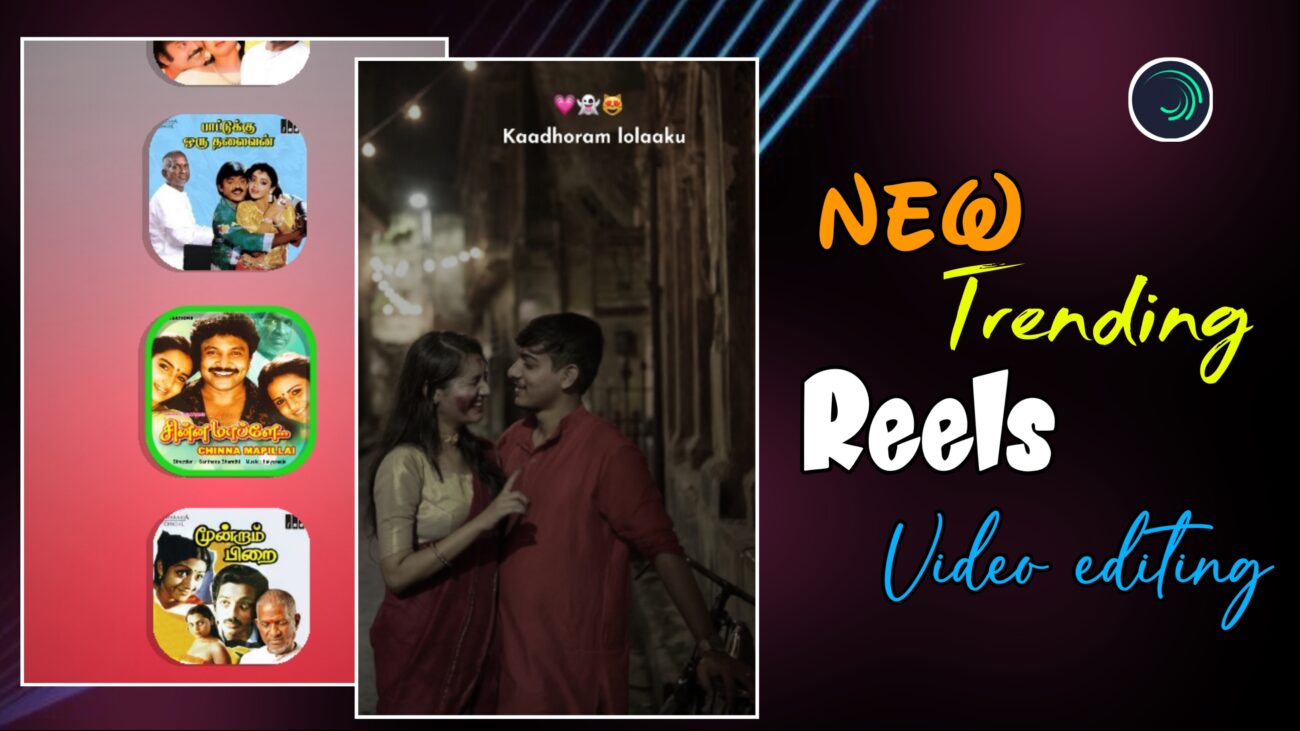
Instagram Reels-ல 2025-க்கு வந்ததும், lyrics reel editing style இன்னும் next level-க்கு போயிருக்கு. Simple text animation மட்டும் இல்லாமல், இப்போ smooth background motion, iPhone-style emojis, XML-based templates, cinematic vibration effects எல்லாம் சேர்ந்து தான் reels viral ஆகுது.
இந்த professional guide-ல, Alight Motion app use பண்ணி எப்படி ஒரு 2025 trending lyrics reel-ஐ XML file use பண்ணி, professional-ஆ edit பண்ணலாம் என்பதை step-by-step-ஆ explain பண்ணப் போறோம்.
Beginner-ஆ இருந்தாலும் சரி, already editing pannitu irukkura creator-ஆ இருந்தாலும் சரி – இந்த tutorial உங்க reel quality-ஐ clearly upgrade பண்ணும்.
H2: 2025 Trending Lyrics Reel Editing – What’s New?
2025-ல் trending-ஆ irukkura lyrics reels-ல common-ஆ irukkura features:
- XML-based fast workflow
- Smooth vertical background vibration
- Low saturation, aesthetic color tone
- Clean typography + iPhone emojis
- Flicker & cinematic micro-effects
இந்த style-ல:
- Over animations avoid pannuvaanga
- Visuals calm-ஆ irukkum
- Lyrics + emojis emotional connection create pannum
அதனால தான் intha format Instagram-ல romba fast-ஆ viral ஆகுது.
H2: Project Setup & XML File Import (Foundation of 2025 Style)
Editing start pannurathukku munnadi, XML workflow-ஐ correct-ஆ understand pannina தான் time save + professional result கிடைக்கும்.
H3: XML File Import in Alight Motion
- Modhalla Alight Motion app-ஐ open pannunga
- Projects section-க்கு pogunga
- Ungalukku irukkura XML file-ஐ import pannunga
XML file use pannina benefits:
- Manual setup time save
- Already optimized animations
- Beginner-களுக்கும் professional look
H3: Understanding XML Project Structure
XML project open pannina:
- Layers color-coded-ஆ irukkum
Usually:
- Red layers → Song cover / main image
- Green layers → Sliding background images
Idha correct-ஆ identify pannina editing romba easy-ஆ aagum.
H3: Media Adding – Cover Image (Method 1)
Song cover image add panna:
- Bottom-ல irukkura group-ஐ select pannunga
- Edit Group-க்கு pogunga
- Red color shape-ஐ click pannunga
- Color & Fill-க்கு poyi
- Ungalukku pidicha song cover image-ஐ select pannunga
Ippo Spotify / Apple Music style cover look kidaikkum.
H3: Background Images Adding (Sliding Visuals)
- Green color shapes-ல
- Multiple aesthetic images add pannunga
Idhu thaan:
- Video-ல slide aagura visuals
- Reel-க்கு depth + richness create pannum
Tip: Same color tone-la images select pannina reel classy-ஆ irukkum.
H2: Advanced Background Effects & Vibration (2025 Signature Look)
Static image-ஐ trending reel-ஆ mathurathu intha section-thaan.
H3: Color Correction – Aesthetic iPhone Look
- Image layer-க்கு Saturation / Vibrance effect add pannunga
- Saturation value:
-60around set pannunga
Benefits:
- Over bright look pogum
- iPhone cinematic tone varum
- Lyrics-ku focus increase aagum
2025-ல் muted colors romba trend.
H3: Vertical Vibration Using Oscillate Effect
- Oscillate effect add pannunga
- Mode-ல Vibrate Vertical select pannunga
Recommended values:
- Frequency: ~1.50
- Magnitude: ~5
Ithu:
- Image light-ஆ move aaga
- Handheld cinematic feel create panna
Too much vibration avoid pannunga.
H3: Flicker Effect – Cinematic Touch
- Background-க்கு Flicker effect add pannunga
Settings:
- Frequency: ~9
- Strength: ~0.30
Ithu:
- Reel-க்கு film-like texture
- Premium visual experience
Subtle-ஆ use pannina thaan professional.
H3: Tiles Effect – Edge Protection
- Image move aagum pothu
- Black edges avoid panna
Tiles effect-ஐ ON pannunga.
XML-based projects-ல idhu romba important.
H2: Typography & iPhone Emoji Integration (Main Highlight)
Lyrics + emojis thaan 2025 reels-ல biggest attraction.
H3: Font Styling – Clean & Modern
- Josefin Sans Bold font use pannunga
- Font Color: White
Why?
- Mobile screen-ல clear
- Spotify / iOS UI-ku match
- Professional & minimal look
H3: Lyrics Alignment & Composition
- Lyrics-ஐ type pannitu
- Background visuals-க்கு etha maari
- Center / balanced position-ல align pannunga
Rule:
If background busy-ஆ irundha, text simple-ஆ irukkanum.
H3: iPhone Emoji Integration (2025 Trend)
Normal emojis-ஐ iPhone-style-ஆ mathurathu:
- Emoji File font-ஐ select pannunga
- Emoji text-oda color-ஐ Transparent-ஆ mathunga
Result:
- Clean iOS-style emoji
- Premium social media look
- Audience-க்கு familiar feel
H3: Lyrics & Emoji Sync
- Lyrics + emoji layers-ஐ
- Song end vara Expand pannunga
- Markers-க்கு etha maari sync pannunga
Perfect sync na reel watch-time increase aagum.
H2: Professional Finishing & Final Output
Ellaa layers add pannina appuram, finishing stage thaan reel-ஐ professional-ஆ convert pannum.
H3: Sync Review
- Song
- Lyrics
- Emojis
- Background motion
Ellam perfect-ஆ sync-la irukka nu final preview pannunga.
H3: 3D Shadow Look (Depth Creation)
- Background layers-க்கு subtle shadow effects add pannunga
- Slight blur + opacity adjust pannina
- Reel-க்கு 3D depth feel varum
Over shadow avoid pannunga.
H3: Export Settings for Instagram Reels
Export-க்கு best settings:
- Resolution: 1080p
- Aspect Ratio: 9:16
- High quality / High bitrate
Ippo video Instagram Reels-க்கு ready 🚀
H2: Editing Summary Checklist (2025)
| Category | Tool / Effect | Purpose |
|---|---|---|
| Animation | Oscillate (Vertical) | Background vibration |
| Visual Tone | Saturation (-60) | Aesthetic color vibe |
| Emojis | iPhone Emoji Font | Premium social look |
| Transition | Flicker | Cinematic experience |
| Workflow | XML File | Fast & professional setup |
H2: Final Thoughts – 2025-ல் Viral Aaga Enna Mukkiyam?
2025 Instagram trending lyrics reels-ல success vara:
- XML workflow use pannunga
- Over effects avoid pannunga
- Emojis-ஐ meaningful-ஆ use pannunga
- Smooth motion > fast motion
Alight Motion-ல intha techniques-ஐ regular-ஆ practice pannina:
- Editing speed improve aagum
- Visual sense strong aagum
- Reels professional-ஆ + viral-ஆ pogum
இந்த guide follow பண்ணி neengalum 2025 trending professional lyrics reels easy-ஆ create pannalaam
