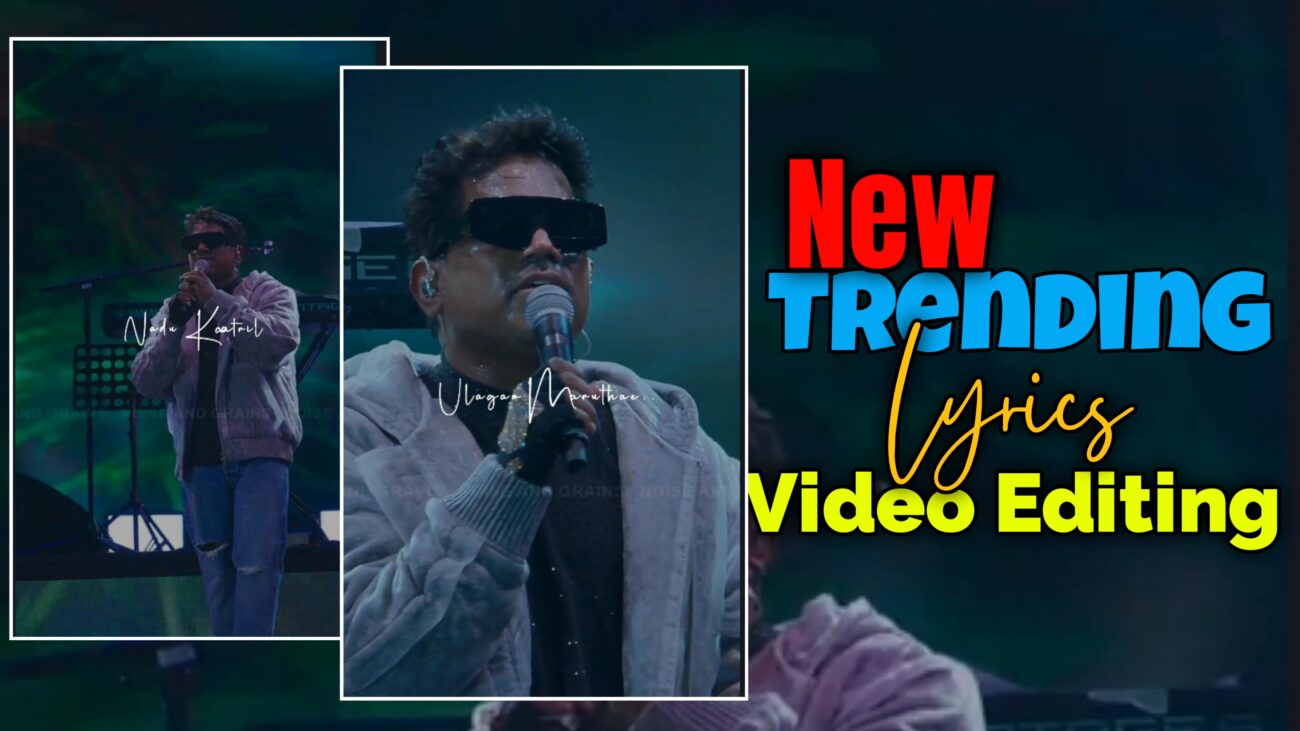
இன்றைய Instagram உலகில் Lyrics Reels ஒரு பெரிய trend ஆக மாறி விட்டது. ஒரு song-oda lyrics-ஐ simple-ஆ காட்டுறதுக்குப் பதிலா, smooth animations, stylish fonts, beat sync effects எல்லாம் சேர்த்து edit பண்ணினா தான் reel viral ஆக chances அதிகம்.
இந்த article-ல, Alight Motion app use பண்ணி, எப்படி ஒரு professional-quality Instagram trending lyrics reel create பண்ணலாம் என்பதை step-by-step, beginner-friendly-ஆ explain பண்ணப் போறோம்.
நீங்க beginner-ஆ இருந்தாலும் சரி, intermediate editor-ஆ இருந்தாலும் சரி – இந்த guide உங்களுக்கு definitely useful ஆகும்.
H2: Project Setup & Basic Configuration (Editing-ன் Foundation)
Endha oru video editing-க்கும் foundation strong-ஆ இருந்தா தான் final output super-ஆ இருக்கும். அதனால lyrics reel start பண்ணறதுக்கு முன்னாடி, project setup romba mukkiyam.
H3: App Selection – Why Alight Motion?
Lyrics reel editing-க்கு market-ல neraya apps irundhaalum, Alight Motion romba popular.
Reason:
- Advanced Keyframe animations
- Graph & Curve control
- Text-based effects
- XML & preset support
Professional lyrics reels-க்கு Alight Motion best choice.
H3: Create Project – Correct Settings
App open பண்ணி “+” icon click பண்ணுங்க.
Recommended settings:
- Aspect Ratio: 9:16 (Instagram Reels)
- Resolution: 1080 × 1920 (Full HD)
- Frame Rate:
- 30 FPS → Normal smooth
- 60 FPS → Ultra smooth (recommended)
Ithu correct-ஆ set pannala-na, export panna appuram quality loss aagum.
H3: Audio Adding & Beat Marking
- Ungalukku pidicha song audio-வை import பண்ணுங்க
- Lyrics start aagura places-ல Markers add பண்ணுங்க
Markers use pannina:
- Lyrics timing confuse aagathu
- Editing fast-ஆ mudiyum
- Beat sync accurate-ஆ irukkum
H2: Lyrics Adding & Typography Styling
Lyrics reel-oda success mostly depend aagurathu font choice & text placement mela thaan.
H3: Text Input – Professional Formatting
Lyrics type pannum pothu:
- Ovvoru line-oda first letter Capital-la irukkanum
- Spelling clear-ஆ irukkanum
Small details kooda video-க்கு professional look kudukkum.
H3: Font Selection – Trending Fonts Use Pannunga
Intha type lyrics reels-க்கு:
- Henriksen K7 God
- Bold + Stylish fonts
Use pannalaam.
Tips:
- Video mood (sad / romantic / energetic)-ku match aagura font choose pannunga
- Too thin fonts avoid pannunga (mobile screen-la clear-ah theriyathu)
H3: Text Size, Color & Alignment
Recommended settings:
- Text Size: ~56 (content depend aagum)
- Color: Pure White / Light Yellow
- Alignment: Screen center or rule of thirds
Background dark-ஆ irundha text romba clear-ஆ pop aagum.
H2: Advanced Animation & Keyframe Effects (Heart of Lyrics Reel)
Lyrics reel trending aagurathukku main reason – animations.
H3: Rotation Animation Using Keyframes
Steps:
- Text layer select pannunga
- Move & Transform → Rotation
- Start keyframe: +20°
- End keyframe: -20°
Ithu lyrics-க்கு dynamic movement kudukkum.
H3: Scale (Zoom In & Zoom Out) Effect
- Lyrics entry time → Zoom In
- Lyrics exit time → Zoom Out
Ithu:
- Depth feel kudukkum
- Flat text-ஐ cinematic-ஆ change pannum
H3: Graph / Curve Adjustment for Smoothness
Default linear animation romba mechanical-ஆ feel pannum.
So:
- Ease In
- Ease Out
Graph settings use pannunga.
Ithu animation-ஐ:
- Smooth
- Natural
- Professional
ஆக்கும்.
H2: Professional Effects & Finishing Touches
Basic animation mudinjappuram, intha finishing effects thaan reel-ஐ next level-க்கு kondu pogum.
H3: Text Spacing Effect
- Text romba close-ஆ irundha readability koraiyum
- Text Spacing effect add panni
- Letter spacing-ஐ 6% vara increase pannunga
Small change, but big difference.
H3: Fade In & Fade Out (Smooth Entry & Exit)
Lyrics sudden-ஆ appear aagurathu avoid pannunga.
- Opacity / Visibility settings
- Fade In & Fade Out add pannunga
- Value: 0.50 → 0.10 (soft look)
Ithu reel-ஐ premium-ஆ feel pannum.
H3: Text Transform & Bounce Effect
- Text Transform effect use pannina
- Ovvoru letter-um bounce aagi varum
Phase & Scale values adjust pannina:
- Energetic feel
- Eye-catching animation
H3: Background Video Usage
- Oru aesthetic background video add pannunga
- Opacity: 40% – 50%
Ithu:
- Lyrics-ஐ dominate pannama
- Supporting background-ஆ irukkum
H2: Summary Checklist for Instagram Reels
| Step | Action | Purpose |
|---|---|---|
| 1 | 9:16 – 1080p | Instagram optimization |
| 2 | Keyframe animation | Smooth motion |
| 3 | Font & spacing | Visual appeal |
| 4 | Fade & effects | Professional finish |
| 5 | Correct export | Better reach |
H2: Final Thoughts – Practice Makes Perfect
Instagram Trending Lyrics Reel Editing nu sonna, athu oru skill + creativity mix.
- First-la slow-aa irukkum
- Practice panna panna speed & quality improve aagum
- Trending reels observe pannunga
- Daily 1 reel edit pannina kooda growth fast-aa irukkum
Alight Motion-la intha techniques-ஐ regular-ஆ practice pannina, neengalum professional lyrics reel editor-ஆ maara mudiyum
