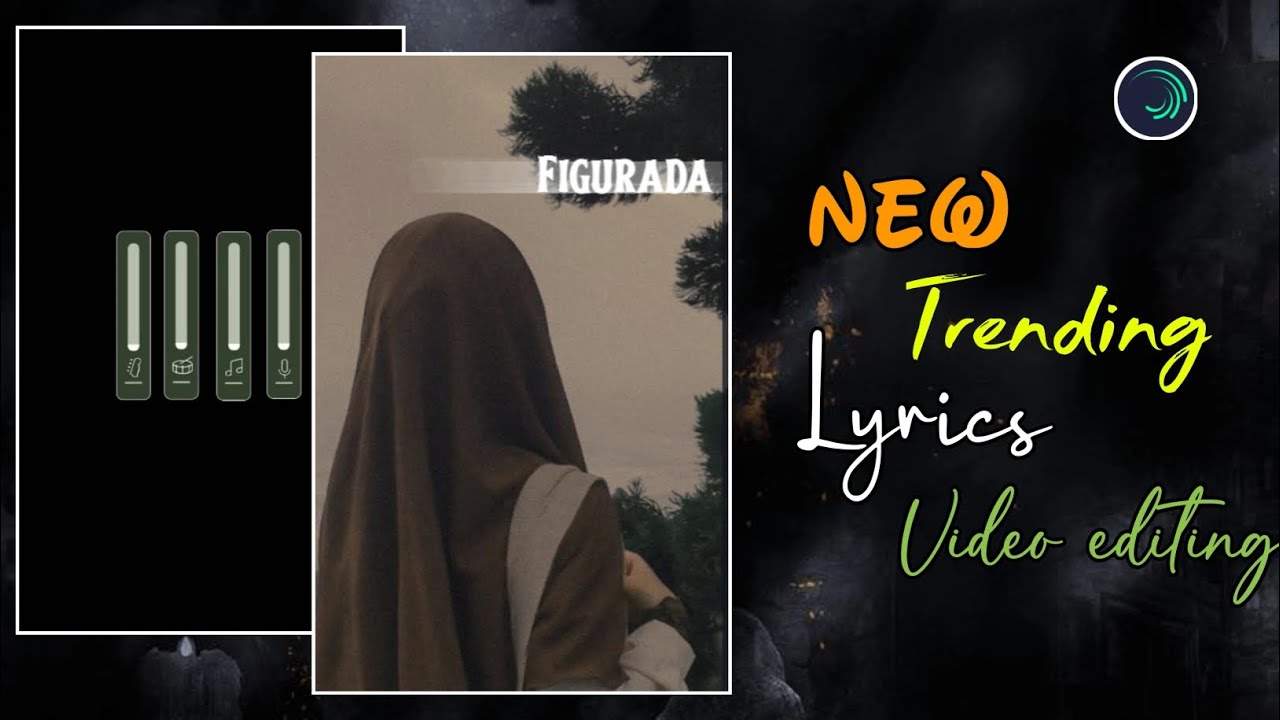
Instagram Reels-ல் 2025-க்கு வந்ததும் lyrics video editing ஒரு சாதாரண trend இல்ல. இப்போ creators எல்லாரும் smooth sliding text, dynamic rotation, word-by-word color highlight, soft fade transitions போன்ற professional techniques பயன்படுத்தி reels-ஐ cinematic level-க்கு கொண்டு போகிறார்கள். Simple text போடுற காலம் முடிஞ்சுடிச்சு. இப்போது audience expect பண்ணுவது clean typography, smooth motion, மற்றும் proper visual balance.
இந்த article-ல், Alight Motion app பயன்படுத்தி எப்படி ஒரு viral-quality lyrics video உருவாக்கலாம் என்பதை project setup முதல் advanced text animation, color highlight, final polish வரை முழுமையாக step-by-step-ஆ பார்க்கலாம்.
Project Creation & Background Layout
Professional output பெற முதல் step project setup தான்.
Alight Motion open செய்து Plus (+) icon click செய்யுங்கள். Instagram Reels-க்கு suitable settings select செய்யுங்கள்:
- Aspect Ratio – 9:16
- Resolution – 1080p
- Frame Rate – 30fps அல்லது 60fps
இந்த settings video clarity மற்றும் smoothness இரண்டையும் improve செய்யும்.
Project ready ஆனதும் background image அல்லது video clip add செய்யுங்கள். Background layer-ஐ select செய்து Fill Composition Area option apply செய்யுங்கள். இதனால் background முழு screen-ஐ cover செய்யும்.
Background romba bright-ஆ இருந்தால் lyrics clear-ஆ தெரியாது. அப்படியானால் background layer-oda Opacity-ஐ around 60% range-ல் reduce செய்யுங்கள். இதனால் lyrics foreground-ல் clearly pop ஆகும், video-க்கு professional contrast கிடைக்கும்.
Smooth entry-க்கு background-க்கு Fade In / Fade Out effect add செய்யலாம். இது reel start மற்றும் end-ல் soft cinematic feel தரும்.
Typography Setup for Lyrics
Lyrics தான் இந்த reel-ன் core element. அதனால் font selection மற்றும் size romba important.
Text tool use செய்து lyrics add செய்யுங்கள். Professional look பெற stylish fonts பயன்படுத்துங்கள் (example: Henderson K7 Got அல்லது similar clean fonts). Mobile screen-ல் readability improve செய்ய Font Size ~64 range-ல் set செய்யுங்கள்.
Lyrics type செய்யும்போது:
- ஒவ்வொரு line-க்கும் first letter capital format use செய்யுங்கள்
- Line spacing balanced-ஆ வைத்துக்கொள்ளுங்கள்
- White color default-ஆ use செய்தால் almost எல்லா backgrounds-க்கும் suit ஆகும்
Song import செய்த பிறகு lyrics start ஆகும் இடங்களில் markers add செய்யுங்கள். Markers use செய்தால் later animation timing accurate-ஆ set செய்ய முடியும்.
Smooth Sliding & Rotation Animation
2025 trending lyrics reels-ல் main attraction என்னவென்றால் sliding motion + light rotation.
Lyrics layer select செய்து Position property-க்கு three keyframes add செய்யுங்கள்:
- Start keyframe – text screen-க்கு வெளியே (right side அல்லது left side)
- Middle keyframe – screen center
- End keyframe – opposite side outside screen
இதனால் lyrics one side-ல இருந்து enter ஆகி, other side-ல exit ஆகும்.
Middle keyframe-ஐ slightly left அல்லது right move செய்து Easing Graphs apply செய்யுங்கள். Linear movement avoid செய்து curves use செய்தால் animation natural-ஆ feel தரும்.
Extra dynamics-க்கு Rotation keyframes add செய்யுங்கள்:
- Start – around –15 degrees
- End – around +15 degrees
இந்த small rotation text-க்கு swinging motion கொடுக்கும். Values subtle-ஆ இருக்க வேண்டும்; அதிகமாக வைத்தால் distracting-ஆ தெரியும்.
First lyric perfect-ஆ animate ஆனதும், same motion effects-ஐ copy செய்து next lyrics layers-க்கு paste செய்யலாம். இதனால் full video consistent flow maintain செய்யும்
Word-by-Word Color Highlight (Text Transform)
இந்த section-ல் trending word-by-word highlight effect எப்படி create செய்வது என்று பார்க்கலாம்.
Lyrics layer-க்கு Text Transform effect apply செய்யுங்கள்.
Text Transform settings-ல்:
- Override Fill Color option enable செய்யுங்கள்
- Highlight color-ஆ yellow அல்லது bright accent color select செய்யுங்கள்
இப்போது Start / End parameters-க்கு keyframes add செய்யுங்கள்.
- Start value – 0
- End value – 100
இந்த values-ஐ song timing-க்கு match ஆக animate செய்யுங்கள். இதனால் lyrics play ஆகும்போது words sequential-ஆ highlight ஆகும்.
Highlight இன்னும் attractive-ஆ இருக்க Scale property-ஐ around 1.10 range-ல் set செய்யலாம். Highlight வரும் moment-ல் text light-ஆ zoom ஆகும், subtle emphasis கிடைக்கும்.
Extra spacing வேண்டுமெனில் Text Spacing effect add செய்து letter spacing-ஐ small range-ல் adjust செய்யுங்கள். Long lyrics-க்கு spacing reduce செய்யலாம், short lyrics-க்கு spacing increase செய்யலாம்.
Fade Effects & Professional Transitions
Lyrics entry மற்றும் exit clean-ஆ இருக்க Fade In / Fade Out effect add செய்யுங்கள். Background மற்றும் lyrics இரண்டுக்கும் fade apply செய்தால் reel professional-ஆ look தரும்.
Fade values subtle-ஆ வைத்துக்கொள்ளுங்கள். Hard cuts avoid செய்து soft transitions use செய்தால் audience experience improve ஆகும்.
Workflow speed increase செய்ய pro tip:
- First lyric layer perfect-ஆ setup செய்த பிறகு
- அந்த layer-ஐ copy செய்யுங்கள் (அல்லது effects மட்டும் copy செய்யுங்கள்)
- Remaining lyrics layers-க்கு paste செய்யுங்கள்
இதனால் repeated manual setup தேவையில்லை, editing time drastically reduce ஆகும்.
Final Visual Balance & Sync Review
Final export முன்னாடி full preview செய்து கீழ்கண்ட points check செய்யுங்கள்:
- Lyrics sliding smooth-ஆ நடக்கிறதா
- Rotation subtle-ஆ இருக்கிறதா
- Word-by-word highlight timing song beat-க்கு match ஆகிறதா
- Background opacity lyrics-ஐ properly focus செய்கிறதா
- Fade transitions soft-ஆ play ஆகிறதா
Small brightness அல்லது contrast adjustment தேவையெனில் இங்கே செய்யுங்கள். Heavy color grading avoid செய்யுங்கள்; clean look தான் premium feel தரும்.
Markers use செய்து lyrics layers-ஐ expand அல்லது cut செய்து timing fine-tune செய்யுங்கள். Perfect sync இருந்தால் reel watch-time naturally increase ஆகும்.
Export Settings for Instagram Reels
Final output-க்கு recommended export settings:
- Resolution – 1080p
- Aspect Ratio – 9:16
- High Quality / High Bitrate
Export முடிந்ததும் video Instagram Reels upload செய்ய ready.
Editing Summary Checklist
- Correct project ratio & resolution
- Background Fill Composition Area + Opacity ~60%
- Stylish font (Size ~64) for clear lyrics
- Position keyframes + Easing Graphs for smooth sliding
- Rotation –15° to +15° for dynamic motion
- Text Transform (Override Fill Color) for word highlight
- Fade In / Fade Out for professional transitions
- Copy–paste workflow for faster editing
Final Thoughts
2025 trending lyrics reels-ல் success பெற:
- Smooth sliding motion prioritize செய்யுங்கள்
- Clean bold typography select செய்யுங்கள்
- Word-by-word highlights subtle-ஆ வைத்துக்கொள்ளுங்கள்
- Fade transitions மூலம் soft entry/exit கொடுங்கள்
- Consistent animation rhythm maintain செய்யுங்கள்
இந்த techniques-ஐ Alight Motion-ல் தொடர்ந்து practice செய்தால், உங்கள் reels quality professional level-க்கு உயரும், audience retention improve ஆகும், reach இயல்பாக increase ஆகும்.
இந்த workflow follow செய்து நீங்களும் 2025 trending professional lyrics videos எளிதாக create செய்யலாம் 🔥
