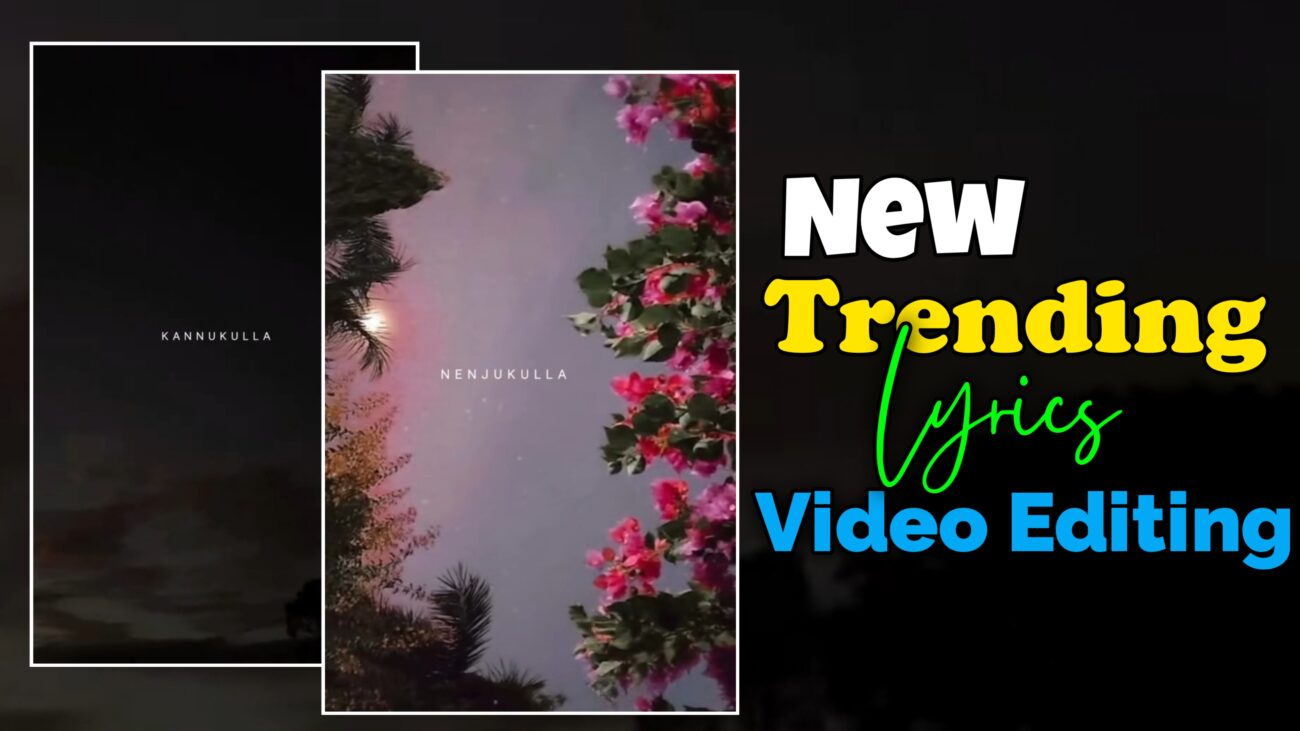
Instagram Reels மற்றும் Shorts-ல 2025-ல் வேகமாக trend ஆகுற lyrics video formats-ல Up & Down Sliding Lyrics Animation ஒரு முக்கியமான style-ஆ மாறிவிட்டது. முன்னாடி எல்லாரும் Left & Right slide மட்டும் use பண்ணினாங்க. இப்போ audience-க்கு fresh-ஆ feel தருவது Top-to-Bottom (Up & Down) motion, அதோட சேர்ந்து light rotation, smooth fade, clean typography.
இந்த detailed article-ல, Chutti Tech Tamil tutorial base பண்ணி, Alight Motion app பயன்படுத்தி எப்படி ஒரு professional Up & Down sliding lyrics video edit பண்ணலாம் என்பதை ஆரம்பம் முதல் முடிவு வரை step-by-step-ஆ explain பண்ணப் போறோம்.
Beginner-ஆ இருந்தாலும் சரி, already editing experience உள்ளவர்களுக்கும் இது complete workflow guide-ஆ இருக்கும்.
Introduction & Editing Style Overview
Instagram-ல viral ஆகுற lyrics videos-க்கு common-ஆ இருக்கும் விஷயம் என்னன்னா:
- Lyrics movement smooth-ஆ இருக்கணும்
- Animation simple-ஆ இருந்தாலும் professional-ஆ feel தரணும்
- Repetition இல்லாம fresh motion pattern இருக்கணும்
Up & Down sliding animation இந்த மூன்றையும் satisfy பண்ணும். Lyrics மேலிருந்து (Top) வந்து center-ல settle ஆகி, பின்னாடி கீழே (Bottom) போகும் animation audience-க்கு natural reading flow தரும். அதோட சேர்ந்து small rotation (tilt) add பண்ணினா lyrics static-ஆ தெரியாது.
இந்த tutorial-ல:
- XML preset use பண்ணி time save பண்ணுவது
- Old Left/Right animation-ஐ remove பண்ணுவது
- New Up & Down motion + rotation setup
- Fade in effect மூலம் smooth entry
- Copy-paste workflow மூலம் fast editing
எல்லாத்தையும் detail-ஆ பார்க்கலாம்.
Project Setup – Getting Started in Alight Motion
Professional output-க்கு project setup சரியாக இருக்கணும்.
Alight Motion Open & New Project
முதலில் Alight Motion app open செய்யுங்கள்.
Bottom-ல இருக்கும் Plus (+) icon click செய்து new project create செய்யுங்கள்.
Ratio & Resolution Selection
Instagram Reels மற்றும் Shorts-க்கு recommended settings:
- Aspect Ratio – 9:16
- Resolution – 1080p
- Frame Rate – 30fps அல்லது 60fps
இந்த settings video clarity-யும் smooth animation-யும் maintain செய்ய உதவும்.
XML Import – Time Save Workflow
இந்த tutorial-ல முக்கியமான advantage என்னன்னா XML preset.
XML File Import
Video description-ல கொடுக்கப்பட்ட XML file-ஐ download செய்யுங்கள்.
Alight Motion-ல Projects section-க்கு போய் அந்த XML-ஐ import செய்யுங்கள்.
XML import பண்ணினா:
- Layers structure already ready-ஆ இருக்கும்
- Basic text styles, effects, timings preset-ஆ இருக்கும்
- Manual setup 80% வரை reduce ஆகும்
Beginner-களுக்கு இது பெரிய help.
Existing Left & Right Animation Remove செய்வது
XML file import செய்ததும், அதுல already Left / Right sliding animation இருக்கும்.
Up & Down style-க்கு மாற first step அதையே remove பண்ணணும்.
Smart Trick – Empty Shape Method
- Project-ல ஒரு empty shape layer create செய்யுங்கள்
- அந்த shape-ஐ select செய்து Group-ஆ மாற்றுங்கள்
- அந்த empty group-ல இருக்கும் Move & Transform property-ஐ copy செய்யுங்கள்
- இப்போ உங்கள் lyrics layer-க்கு போய்
- Long press → Paste Style
- Options-ல Move & Transform மட்டும் select செய்யுங்கள்
இதனால்:
- Old keyframes எல்லாம் remove ஆகும்
- Lyrics layer completely clean position-க்கு வரும்
இந்த trick-ஐ use பண்ணினா manually keyframes delete செய்ய தேவையே இல்லை.
Rotation Animation – Dynamic Swing Effect
Up & Down motion மட்டும் இருந்தா lyrics flat-ஆ feel தரும்.
அதனால small rotation animation add பண்ணணும்.
Rotation Keyframe Setup
Lyrics layer select செய்து:
Move & Transform → Rotation section-க்கு போங்கள்.
Keyframes setup:
- Keyframe 1 (Start) → +10°
- Keyframe 2 (Middle) → 0°
- Keyframe 3 (End) → −20°
இந்த rotation values-ன் meaning:
- Lyrics மேலிருந்து வரும்போது slight tilt இருக்கும்
- Center-க்கு வந்ததும் straight ஆகும்
- Exit ஆகும்போது opposite tilt-ல போகும்
Rotation values subtle-ஆ இருக்கணும்.
Over rotation வைத்தால் lyrics distracting-ஆ தெரியும்.
Up & Down Sliding Motion – Position Keyframes
இப்போ main animation – Up & Down sliding motion.
இந்த motion-க்கு 4 keyframes use பண்ணப்போறோம்.
Position Keyframe Breakdown
Lyrics layer select செய்து Position property-க்கு keyframes add செய்யுங்கள்.
Keyframe 1 – Start (Top)
- Lyrics-ஐ screen-க்கு மேல (Top outside) move செய்யுங்கள்
- Completely visible இல்லாத position-ல இருக்கணும்
Keyframe 2 – Entry
- Lyrics-ஐ screen-க்கு உள்ளே கொண்டு வாருங்கள்
- Near-center position
Keyframe 3 – Center Hold
- Lyrics-ஐ exact center-ல adjust செய்யுங்கள்
- Small adjustment மட்டும் போதும்
இந்த keyframe lyrics-க்கு reading time கொடுக்கும்.
Keyframe 4 – Exit (Bottom)
- Lyrics-ஐ screen-க்கு கீழே (Bottom outside) move செய்யுங்கள்
இதனால் animation flow:
Top → Center → Bottom
Easing Graphs – Making Motion Smooth
Default linear motion professional-ஆ feel தராது.
அதனால Easing Graphs mandatory.
Applying Easing
- Each keyframe transition-க்கும் easing graph apply செய்யுங்கள்
- Entry smooth-ஆ slow start → fast → slow end pattern-ல இருக்கணும்
- Exit-க்கும் similar smooth curve use செய்யுங்கள்
Easing graphs animation-க்கு cinematic smoothness தரும்.
Fade In / Fade Out – Soft Entry Effect
Up & Down motion-க்கு extra polish கொடுக்க Fade In effect add பண்ணலாம்.
Fade Settings
Lyrics layer-க்கு Fade In / Fade Out effect add செய்யுங்கள்.
Recommended values:
- In – 0.20 seconds
- Out – 0 (இந்த tutorial-ல exit fade தேவையில்லை)
Fade In animation lyrics-ஐ soft-ஆ introduce செய்யும்.
Hard cut feel வராது.
Copy–Paste Workflow – Faster Editing
ஒரு lyrics-க்கு எல்லா animation-யும் set பண்ணியாச்சுனா, மீதி lyrics-க்கு same setup repeat பண்ணணும்.
Smart Method
- First lyrics layer-ஐ Copy செய்யுங்கள்
- All remaining lyrics layers-ஐ Multi-Select செய்யுங்கள்
- Paste Style option use செய்து
- Move & Transform
- Rotation
- Fade
effects மட்டும் paste செய்யுங்கள்
இதனால்:
- Consistent animation across lyrics
- Editing time drastically reduce ஆகும்
- Human error chance குறையும்
Lyrics Timing & Sync
Lyrics animation perfect-ஆ இருக்க timing romba important.
Markers Use
Song add செய்த பிறகு:
- Lyrics start ஆகும் இடங்களில் Markers add செய்யுங்கள்
- Each lyrics layer-ஐ marker-க்கு match ஆக trim அல்லது expand செய்யுங்கள்
Up & Down animation center-ல hold ஆகும் time lyrics reading speed-க்கு match ஆக adjust செய்ய வேண்டும்.
Typography Tips for Up & Down Lyrics
Up & Down animation-க்கு font choice romba matter ஆகும்.
Best practices:
- Bold அல்லது Semi-Bold fonts use செய்யுங்கள்
- Font size medium-to-large (mobile readability)
- Line spacing balanced-ஆ இருக்கணும்
- White text with dark background better contrast தரும்
Too thin fonts motion-ல clarity lose பண்ணும்.
Visual Polish & Final Review
Final export முன்னாடி full preview செய்யுங்கள்.
Check list:
- Lyrics smooth-ஆ top-ல இருந்து bottom-க்கு flow ஆகிறதா
- Rotation subtle-ஆ இருக்கிறதா
- Fade In natural-ஆ feel தருகிறதா
- All lyrics same rhythm-ல animate ஆகிறதா
Small position adjustments needed-னா fine-tune செய்யுங்கள்.
Export Settings for Instagram Reels
Final export-க்கு recommended settings:
- Resolution – 1080p
- Aspect Ratio – 9:16
- Frame Rate – 30fps / 60fps
- Quality – High Bitrate
Export முடிந்ததும் video Instagram Reels அல்லது Shorts-க்கு ready.
Summary Checklist
| Action | Setting / Value |
|---|---|
| Animation Direction | Top → Center → Bottom |
| Rotation Start | +10° |
| Rotation End | −20° |
| Position Keyframes | 4 |
| Fade In | 0.20s |
| Old Animation Removal | Empty Shape + Paste Style |
| Workflow | Copy–Paste Style |
| XML Presets | Telegram / WhatsApp |
Final Thoughts
Up & Down sliding lyrics animation 2025-ல்:
- Fresh-ஆ feel தரும்
- Audience-க்கு easy reading flow தரும்
- Professional-ஆ look கொடுக்கும்
Left & Right animations எல்லாரும் already பார்த்துட்டாங்க.
Up & Down style use பண்ணினா உங்கள் reels instantly stand-out ஆகும்.
இந்த complete workflow-ஐ Alight Motion-ல் practice செய்தால்:
- Editing speed increase ஆகும்
- Consistency maintain ஆகும்
- Viral potential naturally improve ஆகும்
இந்த guide follow செய்து நீங்களும் Instagram-ல் trending Up & Down lyrics reels professional-ஆ create செய்யலாம் 🔥
