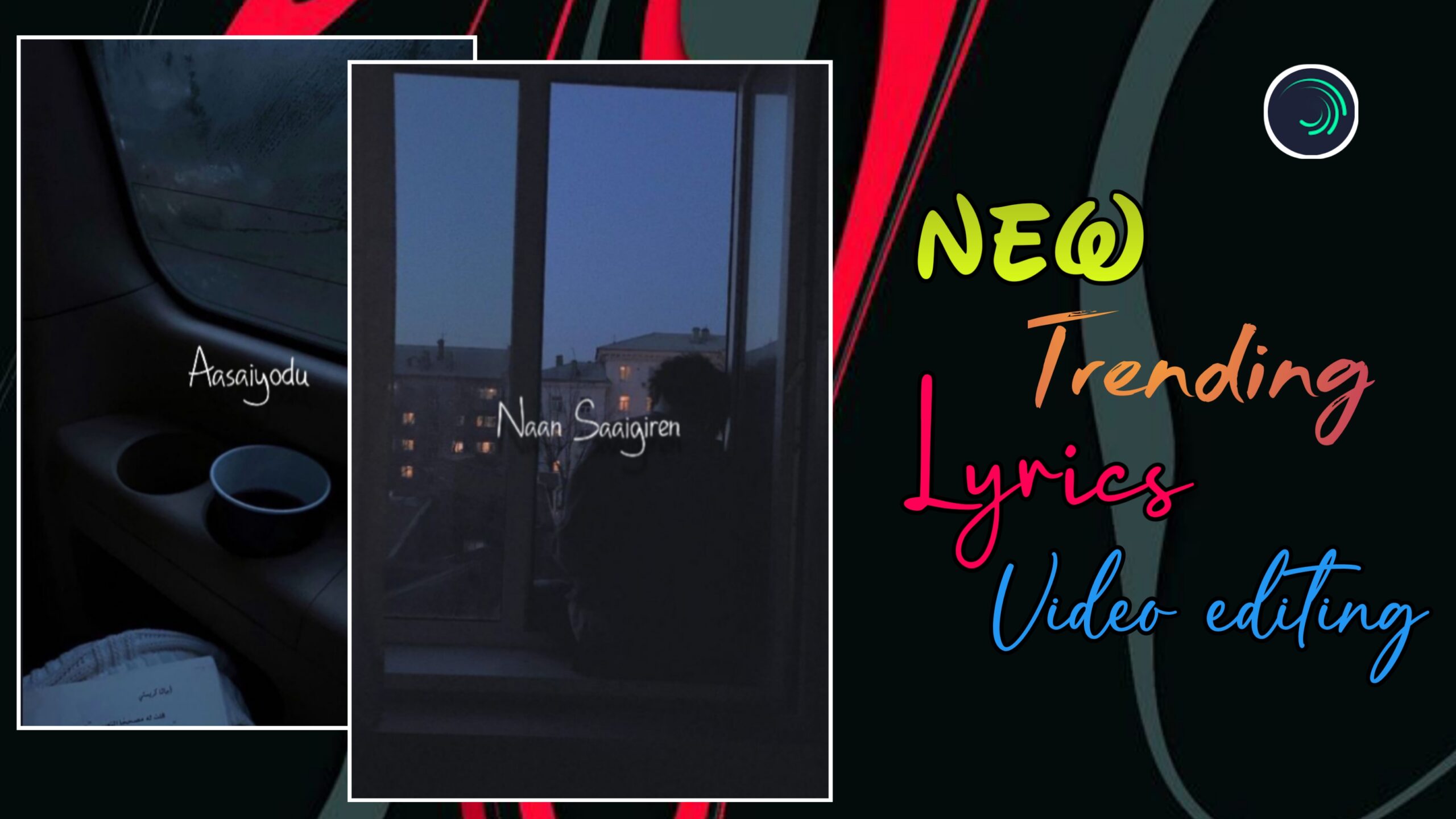
Instagram Reels-ல இப்போ super-trending lyrics video editing styleன்னா, smooth background motion + stylish lyrics animation + clean shadow effects தான். Static image-ஐ simple-ஆ use பண்ணாம, subtle motion, wave-style text animation, depth-oda shadow effects எல்லாம் add பண்ணினா தான் reel truly professional-ஆ feel தரும்.
இந்த article-ல, Alight Motion app use பண்ணி எப்படி ஒரு Instagram trending lyrics reel-ஐ step-by-step-ஆ edit பண்ணலாம் என்பதை detailed-ஆ explain பண்ணப் போறோம். Beginner-ஆ இருந்தாலும் சரி, already editing pannitu irukkura creators-ஆ இருந்தாலும் சரி, இந்த guide உங்களுக்கு next-level improvement தரும்.
H2: Trending Lyrics Reel Editing என்றால் என்ன?
Trending lyrics reel editing என்பது:
- Smooth background motion
- Eye-catching lyrics animation
- Clean typography
- Shadow & depth effects
- Beat-ku perfect-ஆ sync ஆன text
இவையெல்லாம் combine ஆன ஒரு aesthetic + professional style.
இந்த style-ல:
- Over effects இருக்காது
- Motion subtle-ஆ இருக்கும்
- Viewer attention first 2–3 seconds-லேயே grab ஆகும்
அதனால தான் இப்போ Instagram-ல இந்த format romba fast-ஆ viral ஆகுது.
H2: Project Setup & Basic Image Configuration
High-quality output கிட்டணும்னா, project setup தான் foundation. Editing start பண்ணுறதுக்கு முன்னாடி base settings correct-ஆ irukkanum.
H3: App Initialization & New Project
- Modhalla Alight Motion app-ஐ open pannunga
- Bottom-ல irukkura Plus (+) icon-ஐ click panni new project start pannunga
Ithu basic step-ஆ irundhaalum, workflow smooth-ஆ irukka romba important.
H3: Project Settings for Instagram Reels
Recommended settings:
- Aspect Ratio: 9:16
- Resolution: 1080p (Full HD)
- Frame Rate:
- 30fps → Normal smooth
- 60fps → Extra smooth (recommended)
Correct settings use pannina:
- Reel crisp-ஆ theriyum
- Export panna appuram blur / quality loss varadhu
H3: Media Adding & Image Scaling
- Ungalukku pidicha image-ai add pannunga
- Image full screen-la fill aaganum na:
- Top-la irukkura three dots → Fill Composition Area
Ithu black borders avoid pannum, professional framing kudukkum.
H3: Audio Import & Lyrics Sync
- Song-ai add pannunga
- Lyrics start aagura idangal-ல Markers add pannunga
Markers use pannina benefits:
- Lyrics correct position-ல add panna easy
- Animation timing accurate
- Editing speed fast-ஆ aagum
Trending lyrics reels-ல beat sync romba mukkiyam.
H2: Background Motion & Oscillate Effects
Static image-ஐ trending reel-ஆ mathanum na, background motion romba important. Athukku Alight Motion-ல sila simple but powerful effects irukku.
H3: Tiles Effect – Edge Protection
- Image layer-க்கு Tiles effect add pannunga
- Athula irukkura Mirror option-ஐ ON pannunga
Ithu:
- Image move aagum pothu
- Black edges varama prevent pannum
Smooth motion-க்கு idhu must.
H3: Oscillate Effect – Subtle Motion
- Image-க்கு Oscillate effect add pannunga
Recommended values:
- Angle: ~125°
- Frequency: ~0.40
- Magnitude: ~20
Ithu image-ஐ slow-ஆ aada maathiri move panna help pannum.
Too fast motion avoid pannunga – subtle-ஆ irundha thaan aesthetic.
H3: Swing Effect – Natural Camera Feel
- Innum smooth movement-க்கு Swing effect add pannunga
Settings:
- Frequency: 0
- Angle 1: -3°
- Angle 2: +3°
Ithu:
- Handheld camera feel
- Cinematic smoothness
kudukkum.
H2: Advanced Lyrics Typography & Wave Warp Animation
Lyrics thaan intha video-oda main highlight. Correct font + animation irundha thaan reel trending-ஆ pogum.
H3: Font Styling & Color Choice
- Intha style-க்கு DHF Happy Birthday Ryan maadhiri playful + stylish font nalla work aagum
- Font Color: White
White color:
- Dark & colorful background-கள்ல clarity kudukkum
- Professional look maintain pannum
H3: Group Creation for Lyrics
- Ellaa lyrics layers-um select pannunga
- Oru Group-ஆ convert pannunga
Benefits:
- Effects add panna easy
- Timeline clean-ஆ irukkum
- Mistakes chance koraiyum
Professional editors ellarum grouping use pannuvaanga.
H3: Wave Warp – Trending Lyrics Animation
Lyrics-க்கு wave-style animation kudukka:
- Wave Warp effect add pannunga
Recommended settings:
- Phase:
- Start keyframe → +1.50
- End keyframe → 0
- Spacing: ~2.5
- Magnitude: ~1.0
- Damping: ~50
Ithu:
- Lyrics wave mathiri flow aaga
- Trending Instagram style create panna
romba help pannum.
H3: Fade In & Fade Out
Lyrics sudden-ஆ appear aagurathu avoid pannunga.
- Opacity / Visibility section-ல
- Fade In / Fade Out add pannunga
Smooth entry + exit na reel-க்கு premium feel varum.
H2: Professional Shadow Effects & Final Finishing
Lyrics-க்கு depth & readability kudukka shadow effects romba important.
H3: Duplicate Layer for Shadow
- Lyrics group-ஐ Duplicate pannunga
- Pinnala irukkura layer-oda color-ஐ Black-ஆ mathunga
H3: Position & Opacity Adjustment
- Black layer-ஐ original text-க்கு konjam keezha move pannunga
- Opacity: 50–60%
Ithu:
- Depth create pannum
- Lyrics background-ல blend aagama stand-out aaga help pannum
H3: Gaussian Blur – Natural Shadow
- Shadow layer-க்கு Gaussian Blur add pannunga
- Value: ~0.030
Ithu shadow-ஐ harsh-ஆ irundhu natural-ஆ mathum.
H3: Final Review & Export
Export-க்கு munnadi:
- Song + lyrics perfect-ஆ sync-la irukka check pannunga
- Background motion smooth-ஆ irukka nu preview pannunga
Export settings:
- 1080p
- High quality
- 9:16 format
Ippo video Instagram Reels-க்கு ready 🚀
H2: Video Editing Summary Checklist
| Category | Tool / Effect | Purpose |
|---|---|---|
| Background Motion | Oscillate / Swing | Smooth cinematic movement |
| Lyrics Animation | Wave Warp | Trending text effect |
| Shadow | Black layer + Gaussian Blur | Depth & readability |
| Sync | Markers | Perfect beat timing |
| Output | 1080p Export | High-quality reels |
H2: Final Thoughts
Instagram trending lyrics reel editing-ல success vara:
- Clean background motion
- Subtle animations
- Readable typography
- Perfect sync
romba mukkiyam.
Alight Motion-ல intha techniques-ஐ regular-ஆ practice pannina:
- Editing speed increase aagum
- Creative confidence improve aagum
- Reels quality professional-ஆ maarum
இந்த guide follow பண்ணி neengalum super-trending professional lyrics reels easy-ஆ create pannalaam
