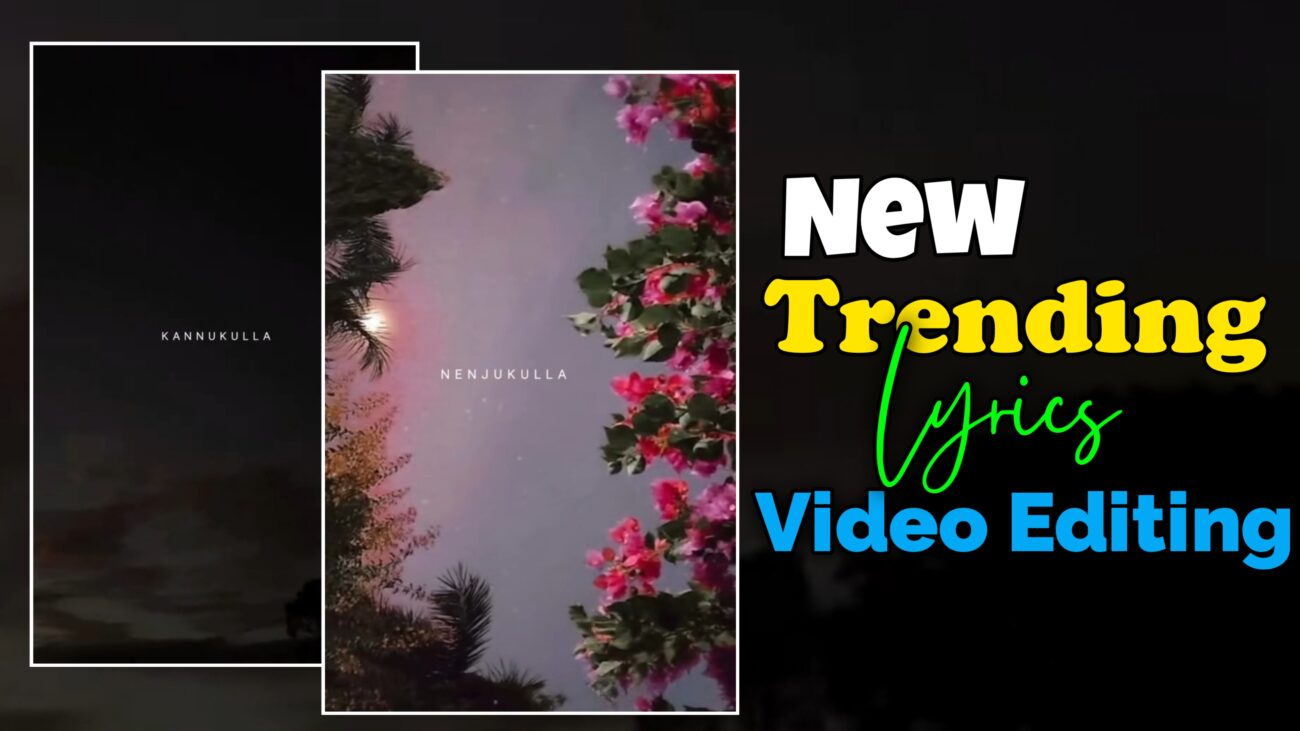
இன்றைய Social Media உலகில், குறிப்பாக Instagram Reels மற்றும் YouTube Shorts-களில் Lyrics Videos மிகப்பெரிய அளவில் viral ஆகி வருகின்றன. ஒரு பாடலின் வரிகளை அழகான Animations மற்றும் Effects-களுடன் காண்பிப்பது பார்ப்பவர்களைக் கவரும்.
இந்த கட்டுரையில், Alight Motion மற்றும் CapCut போன்ற apps-களைப் பயன்படுத்தி எப்படி ஒரு Professional Lyrics Video உருவாக்குவது என்பதை step-by-step-ஆக பார்ப்போம்.
Lyrics Video Editing என்றால் என்ன?
Lyrics Video Editing என்பது ஒரு பாடலின் வரிகளை timing, animation, transition, color effects உடன் visually attractive-ஆ காட்டும் ஒரு creative video editing style.
இது:
- Engagement அதிகரிக்க
- Share & Save rate உயர்த்த
- Creator branding build பண்ண
மிகவும் effective-ஆ இருக்கும்.
Video Editing-ன் அடிப்படை & Project Setup
எந்தவொரு video-வையும் edit செய்யத் தொடங்கும் முன், அதன் basic settings-ஐ சரியாக setup பண்ணுவது ரொம்ப முக்கியம்.
இதுதான் உங்கள் final output-ன் quality-ஐ decide பண்ணும்.
Aspect Ratio & Frame Rate
- Instagram Reels / YouTube Shorts →
9:16 - Smooth output-க்கு
30 FPS(Normal)60 FPS(Ultra Smooth)
Correct frame rate இல்லன்னா video lag / blur ஆகும்.
Audio & Lyrics Import
- முதலில் song audio-வை import பண்ணுங்க
- Lyrics-ஐ song beat-க்கு சரியாக sync பண்ணணும்
- Beat + lyrics correct-ஆ match ஆனா தான் video professional-ஆ feel தரும்
Advanced Animation & Transition Effects
Simple text-ஐ விட, advanced animations add பண்ணினா video viral potential அதிகரிக்கும்.
Transform & Keyframes Usage
- Text move, scale, rotate செய்ய Transform tool
- Start & end position control செய்ய Keyframes
இதனால் lyrics:
- Static-ஆ இல்லாமல்
- Dynamic-ஆ movement-உடன் வரும்
Matte Masking & Creative Transitions
- One lyric disappear ஆகும்போது next lyric stylish-ஆ reveal ஆக
- Matte Mask & Shape based transitions use பண்ணலாம்
Example:
- Text shape-உள்ளிருந்து வெளியே வர்ற மாதிரி animation
Fade In & Fade Out Effects
Lyrics sudden-ஆ pop ஆகாம:
- Slowly appear → Fade In
- Smooth-ஆ disappear → Fade Out
இதுக்கு:
- Visibility / Opacity settings use பண்ணலாம்
Lighting & Color Grading Techniques
Lyrics readable-ஆ இருக்க color grading ரொம்ப முக்கியம்.
Brightness & Contrast Balance
- Background dark-ஆ இருந்தா
- Text bright-ஆ pop ஆகும்
Wrong contrast → lyrics readable இருக்காது ❌
Film Templates & Overlay Effects
- Cinematic feel-க்கு
- Film grain
- Overlay textures
- Light leaks
Use பண்ணலாம் (Overuse பண்ணாதீங்க)
Example – Professional Lyrics Video Create பண்ணும் முறை
ஒரு sample song எடுத்துக்கிட்டு இந்த steps follow பண்ணுங்க 👇
Step-by-Step Workflow
- Alight Motion-ல new project (9:16) create பண்ணுங்க
- Background-க்கு image / video add பண்ணுங்க
- Audio import பண்ணி lyrics timing mark பண்ணுங்க
- Stylish font select பண்ணி
- Glow / Shadow effects add பண்ணுங்க
- Keyframes use பண்ணி text-க்கு animation கொடுங்க
- End-ல Fade Out effect add பண்ணி
- High Quality export பண்ணுங்க
Editing செய்யும்போது கவனிக்க வேண்டிய Pro Tips
Custom & Trending Fonts
- Default fonts avoid பண்ணுங்க
- Trending stylish fonts use பண்ணினா engagement increase ஆகும்
XML Files & Presets Usage
- Time save பண்ண:
- XML files
- Presets import பண்ணி use பண்ணலாம்
Beginner-களுக்கு இது game-changer 💯
Beat Sync Accuracy
- Lyrics beat-க்கு perfect-ஆ sync ஆகணும்
- One frame delay கூட video feel-ஐ spoil பண்ணும்
Conclusion – Lyrics Video Editing-ல Master ஆகுவது எப்படி?
Lyrics Video Editing என்பது முழுக்க முழுக்க practice + creativity-மேல் depend ஆகும்.
- Alight Motion-ல உள்ள tools-ஐ explore பண்ணுங்க
- Trending reels observe பண்ணுங்க
- Daily practice பண்ணுங்க
அப்படி பண்ணினா, நீங்களும் Professional Lyrics Video Editor ஆக முடியும் 🔥
