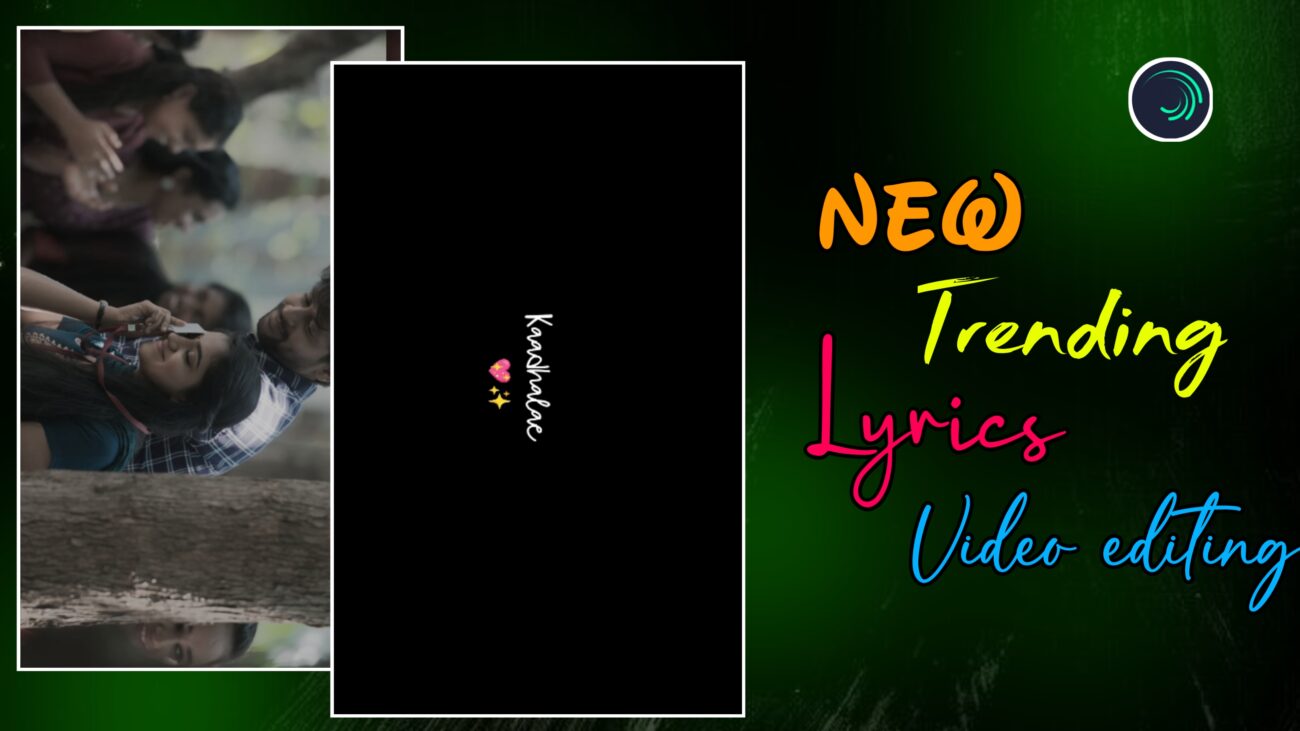
Instagram Reels-ல 2025-ல் romba trending-ஆ irukkura format என்னன்னா, smooth zoom-in / zoom-out visuals + aesthetic lyrics transitions. Static images-ஐ plain-ஆ காட்டுற காலம் போய், இப்போ creators எல்லாரும் cinematic zoom, color fade effects, emoji styling, clean typography use பண்ணி reels-ஐ professional-ஆ mathurாங்க.
இந்த tutorial-ல, Alight Motion app use பண்ணி எப்படி ஒரு new viral lyrics reel-ஐ step-by-step-ஆ edit பண்ணலாம் என்பதை basic project setup-ல இருந்து advanced zoom animation, typography, emoji editing, final export வரை clear-ஆ explain பண்ணப் போறோம். Beginner-ஆ இருந்தாலும் சரி, already editing pannitu irukkura creator-ஆ இருந்தாலும் சரி – இந்த guide உங்களுக்கு solid workflow idea தரும்.
Project Setup & Media Import
Professional output கிடைக்கணும்னா, first step-லேயே project settings correct-ஆ irukkanum.
Alight Motion open பண்ணிட்டு new project create பண்ணுங்க.
Recommended settings:
- Aspect Ratio – 9:16 (Instagram Reels)
- Resolution – 1080p
- Frame Rate – 30fps அல்லது 60fps
இந்த settings video-க்கு crisp clarity தரும்.
Project ready ஆனதும், unga visuals add பண்ணலாம்.
Ungalukku pidicha image add பண்ணலாம், illatti slow-motion video clips add pannலாம். Slow-motion clips create பண்ண CapCut மாதிரி apps use பண்ணி ready பண்ணிட்டு, Alight Motion-க்கு import பண்ணிக்கலாம்.
Vertical screen-க்கு visuals correct-ஆ fit aaganum na:
- Image / video-ஐ -90 degree rotate பண்ணுங்க
- Appuram scale adjust பண்ணி full-screen fill பண்ணுங்க
இதனால் cinematic vertical framing கிடைக்கும்.
Advanced Visual Effects & Keyframe Animation
இந்த style-ல main attraction என்னன்னா, smooth zoom animation + aesthetic color transitions.
Smooth Zoom Animation
Image layer-ஐ select பண்ணி Move & Transform → Scale option-க்கு போங்க.
- Starting-ல scale value-ஐ approx 4000 range-க்கு increase பண்ணுங்க
- Ending-ல normal size-க்கு கொண்டு வர keyframe set பண்ணுங்க
இதனால் image slow-ஆ zoom-in aagi cinematic feel create ஆகும்.
Zoom robotic-ஆ feel pannாம smooth-ஆ irukkanum na, rendu keyframes-க்கும் நடுவுல Easing Curve / Graph adjust பண்ணுங்க. Linear movement avoid பண்ணி curves use பண்ணினா, professional transition feel கிடைக்கும்.
Color Fade (Black & White Transition)
Next viral effect என்னன்னா, color to black-and-white fade.
- Image layer-க்கு Saturation & Vibrance effect add பண்ணுங்க
- Center-ல oru keyframe
- Ending-ல saturation-ஐ full-ஆ kuraichu (near zero) innooru keyframe set பண்ணுங்க
இதனால் color slowly fade aagi cinematic black-and-white look வரும்.
Flicker Transition (Ending Look)
Video ending-ல trending flicker look venumna:
- Flicker effect add பண்ணுங்க
- Frequency & Strength values-ஐ markers-க்கு etha maari adjust பண்ணுங்க
Subtle-ஆ use பண்ணினா reel-க்கு film-like texture வரும். Overuse பண்ணாதீங்க.
Aesthetic Typography & Emoji Editing
Lyrics தான் intha reel-oda soul. Clean typography + emoji styling irundha thaan reel viral-feel தரும்.
Font Styling
இந்த tutorial-ல Flying Kite Regular font use பண்ணுறோம்.
Recommended:
- Font Size – approx 32
- Color – White
White color ellaa background-க்கும் suit aagum + readability improve pannும்.
Lyrics Alignment
Unique vertical look-க்கு:
- Text-ஐ -90 degree rotate பண்ணுங்க
- Screen-ல vertical-ஆ align பண்ணுங்க
Ithu modern reel style-க்கு romba suit aagum.
iPhone Emoji Styling
Premium look-க்கு iPhone emojis add pannலாம்.
Emoji natural-ஆ theriyanum na:
- Emoji layer-oda color settings-ல poyi
- Opacity-ஐ full-ஆ kuraikkunga (transparent background)
இதனால் clean iOS-style emoji look கிடைக்கும்.
Wipe Transition for Lyrics
Lyrics smooth-ஆ reveal aaganum na:
- Wipe (Transition In Right) effect add pannுங்க
- Feather value-ஐ approx 30 range-ல set pannுங்க
Feather increase பண்ணினா edge soft-ஆ irukkum, professional typography feel வரும்.
Professional Finishing & Final Output
Ellaa layers add பண்ணியாச்சுனா, final-ஆ sync review romba important.
Markers use பண்ணி:
- Song beat
- Image zoom
- Lyrics wipe animation
ellam perfect-ஆ match aagura-தா check pannுங்க.
Workflow speed increase panna oru pro tip:
- Oru layer-க்கு effect set பண்ணியதும்
- Athai copy panni
- Adutha layers-ல paste pannலாம்
இதனால் same animation multiple lyrics-க்கு fast-ஆ apply pannலாம்.
Export Settings
Export panna time-ல:
- Resolution – 1080p
- Aspect Ratio – 9:16
- High quality / high bitrate
Intha settings Instagram compression-க்குப் பிறகும் clarity maintain பண்ணும்.
Ippo video Instagram Reels-க்கு ready 🚀
Quick Editing Summary
- Scale keyframes + graph → Smooth cinematic zoom
- Saturation fade + flicker → Viral aesthetic look
- Wipe + feather (30) → Professional lyrics reveal
- -90° rotation → Vertical screen optimization
- Copy–paste workflow → Faster editing
Final Thoughts
New viral lyrics reel editing-ல success aaganum na:
- Smooth zoom > fast zoom
- Clean typography > fancy fonts
- Subtle effects > heavy effects
Alight Motion-ல intha techniques-ஐ regular-ஆ practice பண்ணினா, unga reels quality automatic-ஆ improve ஆகும், audience retention increase ஆகும், reach-உம் naturally grow ஆகும்.
இந்த tutorial follow பண்ணி neengalum professional-level trending lyrics reels easy-ஆ create பண்ணலாம் 🔥
