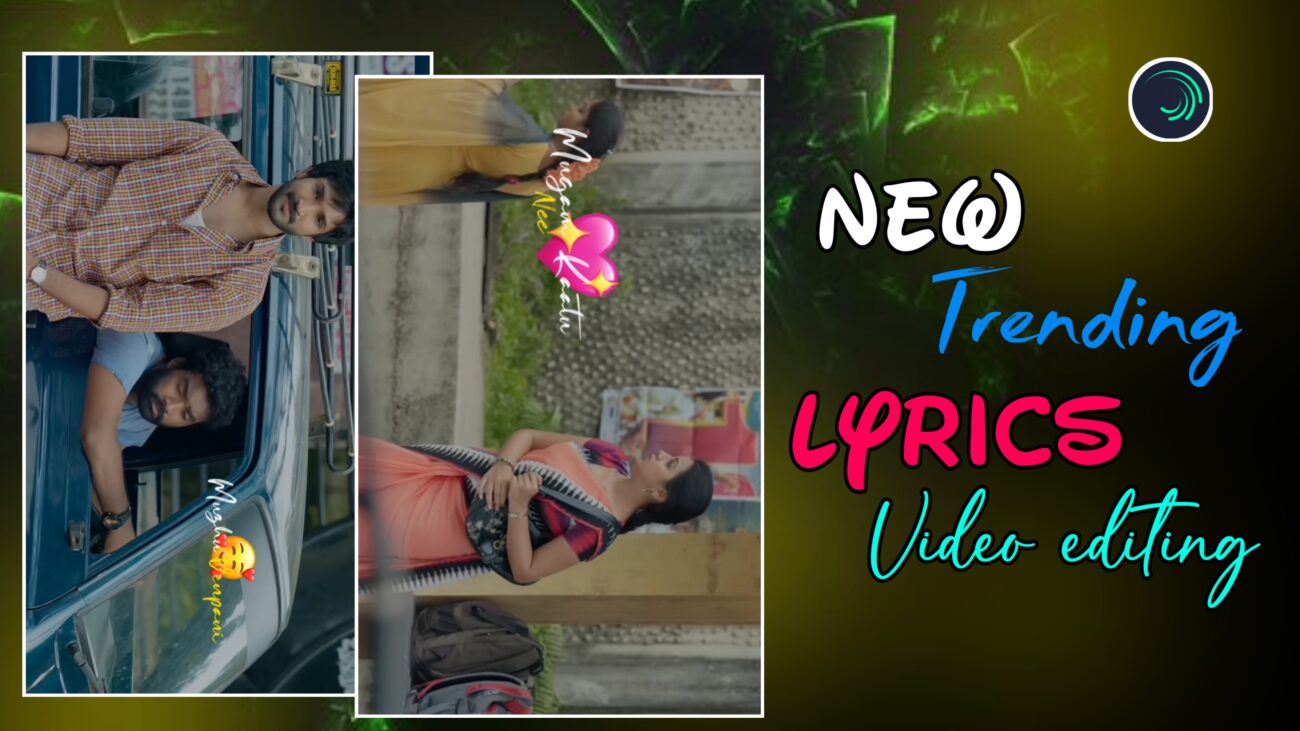
Instagram Reels-ல் 2025-க்கு வந்ததும் lyrics video editing ஒரு சாதாரண content இல்ல. அது ஒரு creative branding style ஆக மாறிவிட்டது. முன்பு simple lyrics display மட்டும் போதும். ஆனால் இப்போது creators எல்லாரும் wavy typography, smooth slow-motion backgrounds, iPhone emojis, cinematic text transitions போன்ற advanced techniques பயன்படுத்தி reels-ஐ professional level-க்கு கொண்டு போகிறார்கள்.
இந்த professional guide-ல், Alight Motion app பயன்படுத்தி எப்படி ஒரு 2025 trending lyrics reel உருவாக்கலாம் என்பதை basic project setup முதல் advanced wave animations, emoji styling, visual polish, final export வரை முழுமையாக step-by-step-ஆ பார்க்கலாம். Beginner-ஆ இருந்தாலும் சரி, already editing செய்து கொண்டிருக்கும் creator-ஆ இருந்தாலும் சரி – இந்த workflow உங்களுக்கு strong foundation கொடுக்கும்.
Project Setup & Video Preparation
Professional output பெற முதலில் project settings சரியாக இருக்க வேண்டும்.
Alight Motion open செய்து new project create செய்யுங்கள்.
Recommended settings:
- Aspect Ratio – 9:16 (Instagram Reels)
- Resolution – 1080p (Full HD)
- Frame Rate – 30fps அல்லது 60fps
இந்த settings video clarity-யை அதிகரிக்கும்.
அடுத்து background video preparation.
உங்களுக்கு பிடித்த video clip-ஐ add செய்யலாம். ஆனால் cinematic feel வேண்டுமெனில் CapCut போன்ற apps பயன்படுத்தி:
- Video-வை slow-motion-ஆ convert செய்யுங்கள்
- Export செய்து Alight Motion-க்கு import செய்யுங்கள்
Slow-motion background lyrics reels-க்கு emotional depth கொடுக்கும்.
Vertical screen-க்கு fit ஆக:
- Video-வை 90 degree rotate செய்யுங்கள்
- Scale adjust செய்து full-screen fill செய்யுங்கள்
Song add செய்த பிறகு lyrics start ஆகும் இடங்களில் markers add செய்யுங்கள். Markers பயன்படுத்தினால் text animation-ஐ சரியான timing-ல் place செய்ய முடியும். Professional editors எல்லாரும் markers-ஐ mandatory-ஆ use செய்வார்கள்.
Advanced Wavy Typography & Text Effects
Lyrics தான் இந்த reel-ன் heart. 2025-ல் trending style என்னவென்றால் layered wavy typography.
இந்த tutorial-ல் இரண்டு fonts பயன்படுத்துகிறோம்:
- Main Lyrics – Alonso Signature Personal Use (White color)
- Sub Lyrics – Change Ara (Yellow color, slightly smaller size)
Main lyrics viewer-ன் attention grab செய்யும். Sub lyrics flow-க்கு support கொடுக்கும்.
Sub-lyrics typing animation பெற:
- Text Progress (Type In) effect add செய்யுங்கள்
- Cursor option-ஐ None-ஆ மாற்றுங்கள்
இதனால் underline இல்லாமல் smooth typing effect கிடைக்கும்.
அடுத்து lyrics layers அனைத்தையும் group செய்து:
- Wave Warp effect add செய்யுங்கள்
- Phase மற்றும் Magnitude values-க்கு keyframes set செய்யுங்கள்
இதனால் text smooth wave போல move ஆகும்.
Movement இன்னும் natural-ஆ இருக்க:
- Group-க்கு Fractal Warp add செய்யுங்கள்
- Position Y-ஐ 3000–3100 range-ல் keyframe செய்யுங்கள்
Wave Warp + Fractal Warp combination தான் 2025 trending wavy typography secret.
Important tip: Values அதிகமாக இருந்தால் text distorted-ஆ தெரியும். Subtle values professional look கொடுக்கும்.
iPhone Emojis & Aesthetic Polish
Lyrics reels-க்கு emotional connection create செய்ய emojis முக்கியம். ஆனால் default emojis cheap-ஆ தெரியும். அதனால் iPhone-style emojis use செய்ய வேண்டும்.
Steps:
- Emoji File font select செய்யுங்கள்
- Emoji add செய்து
- Color settings-ல் opacity-ஐ zero-ஆ மாற்றுங்கள் (transparent background)
இதனால் emojis original iOS colors-ல் தெரியும்.
Background video மிகவும் bright-ஆ இருந்தால்:
- Background opacity-ஐ சிறிது குறைக்கவும்
இதனால் lyrics இன்னும் clear-ஆ highlight ஆகும்.
Aesthetic polish tips:
- Yellow sub-lyrics dark background-ல் நல்ல contrast தரும்
- Emojis minimal-ஆ பயன்படுத்துங்கள்
- Wave effects slow-ஆ இருந்தால் தான் premium feel வரும்
- Over effects avoid செய்யுங்கள் – less is more
Professional Finishing & Final Output
Final preview செய்யும்போது கீழ்கண்ட விஷயங்களை check செய்யுங்கள்:
- Song beat
- Markers timing
- Wavy animation flow
- Emoji appearance
எல்லாம் perfectly sync ஆகிறதா என்பதை confirm செய்யுங்கள்.
Fast workflow-க்கு pro tip:
- ஒரு lyrics group-க்கு effects apply செய்த பிறகு
- அதை copy செய்து
- அடுத்த lyrics groups-க்கு paste செய்யலாம்
இதனால் editing time பாதியாக குறையும்.
Color balance தேவைப்பட்டால் slight brightness அல்லது contrast adjust செய்யலாம். Over color grading avoid செய்யுங்கள்.
Export settings:
- Resolution – 1080p
- Aspect Ratio – 9:16
- High quality / high bitrate
இப்போது video Instagram Reels upload செய்ய ready.
Quick Editing Checklist
- Wave Warp + Fractal Warp – Trending wavy typography
- Text Progress – Smooth letter animation
- iPhone Emoji Font – Premium aesthetic look
- CapCut slow-motion + opacity – Cinematic background
- Copy–paste workflow – Faster editing
Final Thoughts
2025 lyrics reels-ல் growth பெற:
- Smooth waves focus செய்யுங்கள்
- Clean typography choose செய்யுங்கள்
- Emojis minimal-ஆ பயன்படுத்துங்கள்
- Cinematic slow-motion backgrounds prioritize செய்யுங்கள்
இந்த techniques-ஐ Alight Motion-ல் regular-ஆ practice செய்தால், உங்கள் reels quality professional level-க்கு உயரும், audience retention மேம்படும், reach இயல்பாக அதிகரிக்கும்.
இந்த guide follow செய்து நீங்களும் 2025 trending professional lyrics reels எளிதாக create செய்யலாம் 🔥
