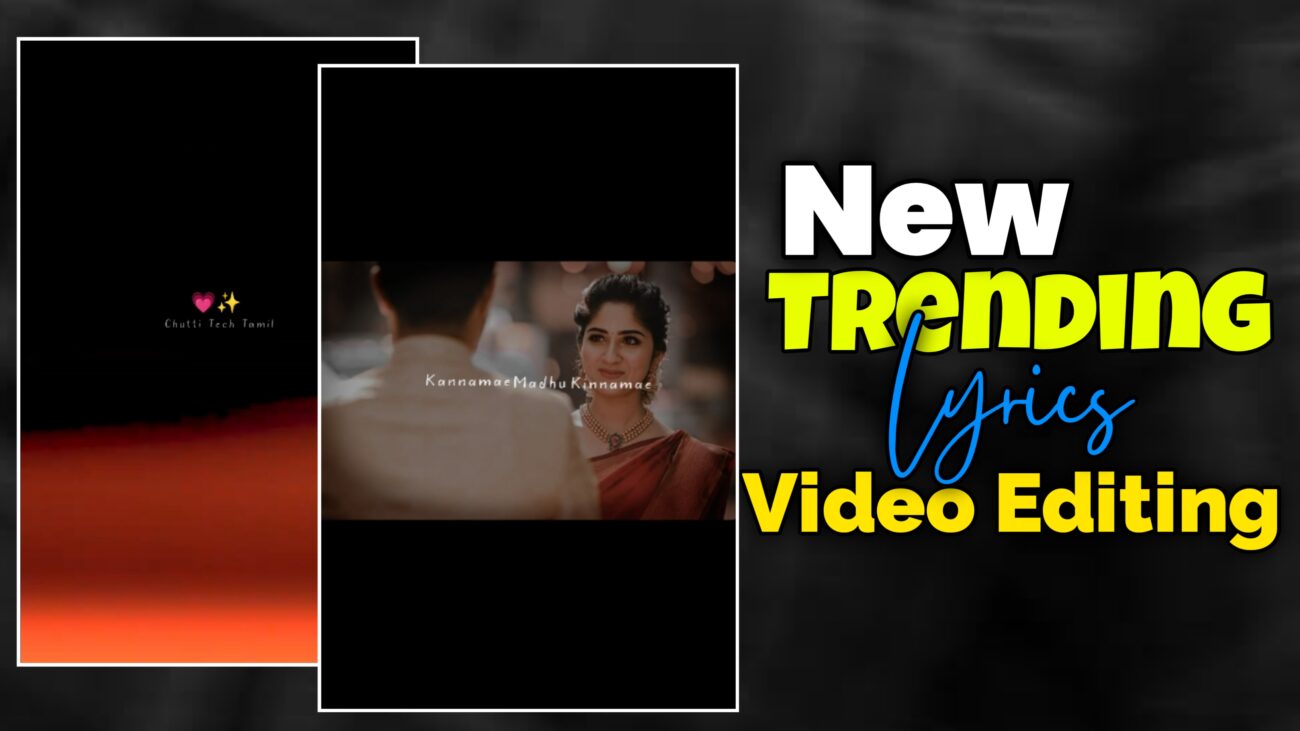
இன்றைய சமூக ஊடக உலகில் Instagram Reels மற்றும் YouTube Shorts போன்ற தளங்கள் மிக வேகமாக வளர்ந்து வருகின்றன. குறிப்பாக பாடல் வரிகளுடன் (lyrics) வரும் aesthetic வீடியோக்கள் இப்போது அதிகம் வைரலாகும் வகை content ஆக மாறியுள்ளன. ஒரு நல்ல பாடல், அதனுடன் perfectly sync ஆகும் எழுத்து animation, smooth transitions, மற்றும் visually pleasing background — இந்த மூன்றும் சேர்ந்தால் ஒரு சாதாரண வீடியோ கூட professional மற்றும் premium look பெறும்.
பலர் video editing என்பது பெரிய software-களில் மட்டுமே செய்யக்கூடிய விஷயம் என்று நினைக்கிறார்கள். ஆனால் உண்மையில் mobile editing applications வளர்ச்சியால் இன்று யாராலும் உயர்தரமான edits செய்ய முடிகிறது. Alight Motion போன்ற app-கள் motion graphics, keyframe animation, masking, blur effects போன்ற advanced அம்சங்களை mobile-ல் வழங்குகின்றன. இந்த கட்டுரையில், Alight Motion பயன்படுத்தி trending Instagram lyrics video-வை எப்படி professional-ஆக edit செய்யலாம் என்பதை முழுமையாகப் பார்ப்போம்.
தொடக்க கட்டம் – சரியான Project அமைப்பு
ஒரு நல்ல வீடியோவின் தரத்தை தீர்மானிப்பது அதன் project settings தான். Alight Motion app open செய்ததும் Plus (+) icon-ஐ click செய்து புதிய project உருவாக்க வேண்டும்.
Instagram Reels-க்கு பொதுவாக 9:16 aspect ratio பயன்படுத்தப்படுகிறது. இது vertical format என்பதால் mobile screen-க்கு perfectly suit ஆகும். Resolution 1080p வைத்தால் clarity sharp-ஆக இருக்கும். Frame rate 30fps அல்லது 60fps வைத்தால் animations smooth-ஆக தோன்றும்.
Project create செய்தவுடன் முதல் வேலை audio add செய்வது. Lyrics video என்பதால் song தான் main backbone. Song-ஐ import செய்த பிறகு lyrics வர வேண்டிய இடங்களில் markers வைப்பது editing process-ஐ மிகவும் எளிதாக்கும். Timing clarity இல்லாமல் editing தொடங்கினால் later sync issues வரும்.
Intro பகுதி – Viewer கவனத்தை ஈர்க்கும் தொடக்கம்
பாடல் lyrics ஆரம்பிக்குமுன் பொதுவாக ஒரு BGM portion இருக்கும். இந்த பகுதியில் simple emojis மற்றும் subtle template animation பயன்படுத்தலாம். இது video-க்கு aesthetic opening தரும்.
Emoji சேர்க்கும்போது overuse செய்யக் கூடாது. இரண்டு அல்லது மூன்று emojis போதுமானது. Transparent look வைத்தால் clean appearance கிடைக்கும். Size balanced-ஆக இருக்க வேண்டும். Center alignment மிகவும் முக்கியம்.
Intro template பயன்படுத்தினால் அதன் duration song-க்கு ஏற்றபடி adjust செய்ய வேண்டும். Cut செய்தால் speed அதிகரிக்கும். Expand செய்தால் slow effect கிடைக்கும். இந்த subtle timing adjustments தான் professional polish தரும்.
Images சேர்த்தல் – Visual Planning
Lyrics video-வில் background images முக்கிய பங்கு வகிக்கின்றன. ஒவ்வொரு lyric portion-க்கும் ஒரு image plan செய்தால் video structured-ஆக இருக்கும்.
Markers வைத்து lyrics எங்கு தொடங்குகிறது என்று பார்த்து அதற்கேற்றபடி images add செய்ய வேண்டும். Lyrics count இரண்டு என்றால் image duration அந்த அளவுக்கு expand செய்ய வேண்டும். Extra length இருந்தால் cut செய்ய வேண்டும்.
Image placement neat-ஆக align செய்யப்பட வேண்டும். Random placement video-ஐ amateur போல காட்டும்.
Masking – Professional Frame Look
Images-ஐ direct-ஆக வைப்பதற்கு பதிலாக shapes-க்குள் வைத்து mask செய்தால் video clean மற்றும் modern look பெறும்.
Plus icon → Shape → Square தேர்வு செய்து rectangle-ஆக resize செய்யலாம். Shape-ஐ image மேல் place செய்து இரண்டையும் select செய்து Group & Mask click செய்ய வேண்டும்.
இதனால் image அந்த shape-க்குள் மட்டுமே visible ஆகும். Rounded corners பயன்படுத்தினால் இன்னும் premium feel கிடைக்கும்.
ஒவ்வொரு image-க்கும் இந்த process repeat செய்தால் video consistent look பெறும்.
Outline மற்றும் Shadow – Depth உருவாக்குவது எப்படி?
Masked image flat-ஆக தோன்றாமல் depth பெற subtle shadow effect add செய்யலாம். Effects பகுதியில் Matte அல்லது Vintage style effect பயன்படுத்தலாம்.
Size value adjust செய்து black outline subtle-ஆக வருமாறு அமைக்க வேண்டும். அதிகமாக increase செய்தால் heavy look வரும். Light decrease செய்தால் soft shadow கிடைக்கும்.
இந்த சிறிய adjustments தான் video-ஐ next level-க்கு எடுத்துச் செல்லும்.
Fade In / Fade Out – Smooth Flow
Professional videos-ல் sudden appearance இருக்காது. Smooth transitions தான் இருக்கும்.
Opacity & Visibility பகுதியில் Fade In / Fade Out effect add செய்தால் image soft-ஆக appear மற்றும் disappear ஆகும்.
Timing 0.2 seconds போன்ற light setting வைத்தால் modern feel கிடைக்கும்.
Lyrics சேர்த்தல் – Typography முக்கியம்
Lyrics தான் video-ன் heart. அதனால் font choice மற்றும் size மிகவும் கவனமாக தேர்வு செய்யப்பட வேண்டும்.
Clean மற்றும் readable font பயன்படுத்த வேண்டும். White color பொதுவாக safe option. Size balanced-ஆக இருக்க வேண்டும் — மிக பெரியதோ மிக சிறியதோ இருக்கக்கூடாது.
Lyrics duration image duration-க்கு match ஆக expand செய்ய வேண்டும். Duplicate செய்து next lyric-க்கு replace செய்யலாம்.
ஒவ்வொரு lyric-ஐ தனித்தனியாக add செய்தால் alignment control அதிகரிக்கும்.
Text Animation – Subtle Movement
Static text viewer attention ஈர்க்காது. Light movement add செய்ய வேண்டும்.
Move & Transform பகுதியில் Position-க்கு இரண்டு keyframes add செய்யலாம். First keyframe-ல் text slightly left move செய்யவும். Second keyframe center position-ல் வைத்திருக்கவும்.
Movement noticeable-ஆக இருக்க வேண்டும். ஆனால் obvious-ஆக தெரியக்கூடாது. இது தான் professional editing-ன் golden rule.
Markers center-ல் இருக்கும் வகையில் keyframes evenly spread செய்ய வேண்டும்.
Directional Blur – Cinematic Exit
Lyrics disappear ஆகும் போது subtle blur add செய்தால் cinematic feel கிடைக்கும்.
Lyrics layers group செய்து Directional Blur effect add செய்யலாம். End-க்கு அருகில் keyframe வைத்து blur strength increase செய்யலாம்.
Exit moment-ல் blur ஆகி disappear ஆகும் effect மிகவும் premium feel தரும்.
Opacity Adjustment – Readability Improve
Image brightness அதிகமாக இருந்தால் lyrics clear-ஆக தெரியாது. Image layer-க்கு opacity reduce செய்யலாம்.
60–75% range பொதுவாக balanced. இதனால் background soft ஆகும். Text highlight ஆகும்.
Vibrate Vertical – Subtle Dynamic Motion
Final touch-ஆக oscillation effect add செய்யலாம்.
Move & Transform பகுதியில் Oscillate → Vibrate Vertical select செய்யலாம். Frequency value adjust செய்ய வேண்டும்.
0.5 – slow
0.75 – balanced
1.0 – strong
Visual-க்கு suit ஆகும் value தேர்வு செய்ய வேண்டும். Over vibration avoid செய்ய வேண்டும்.
Effect copy செய்து மற்ற images-க்கும் paste செய்யலாம்.
Copy-Paste Workflow – Time Saving Method
ஒரு lyric layer perfect-ஆக setup செய்த பிறகு அதே effects-ஐ copy செய்து மற்ற layers-க்கு paste செய்யலாம்.
இதனால் consistency maintain ஆகும். Time save ஆகும். Manual errors குறையும்.
Professional editors பயன்படுத்தும் smart workflow இதுவே.
Final Touch – Template Overlay
Intro-ல் பயன்படுத்திய template-ஐ final-லவும் add செய்தால் video cohesive look பெறும். Black screen remove செய்து overlay மட்டும் வைத்தால் clean finish கிடைக்கும்.
Export Settings – Quality Maintain
Video complete ஆன பிறகு 1080p resolution-ல் export செய்ய வேண்டும். Frame rate 30fps அல்லது 60fps வைத்தால் smooth playback கிடைக்கும்.
High quality export செய்தால் Instagram compression பிறகும் clarity retain ஆகும்.
முடிவுரை
Instagram trending lyrics video உருவாக்குவது ஒரு creative process. Effects அதிகமாக சேர்ப்பது professional editing அல்ல. Clean typography, smooth animations, subtle transitions, மற்றும் correct sync தான் முக்கியம்.
Mobile editing இப்போது அனைவருக்கும் கிடைக்கக்கூடிய திறன். தொடர்ந்து practice செய்தால் timing sense மற்றும் visual understanding மேம்படும்.
Editing என்பது technical skill மட்டும் அல்ல; அது presentation மற்றும் viewer experience பற்றியது. Simple, clean, smooth — இந்த மூன்று principles-ஐ பின்பற்றினால் உங்கள் videos professional தரம் பெறும்.
தொடர்ந்து முயற்சி செய்து உங்கள் தனிப்பட்ட editing style உருவாக்குங்கள். அதுவே உங்கள் content-ஐ மற்றவர்களிடமிருந்து வேறுபடுத்தும். 🔥
