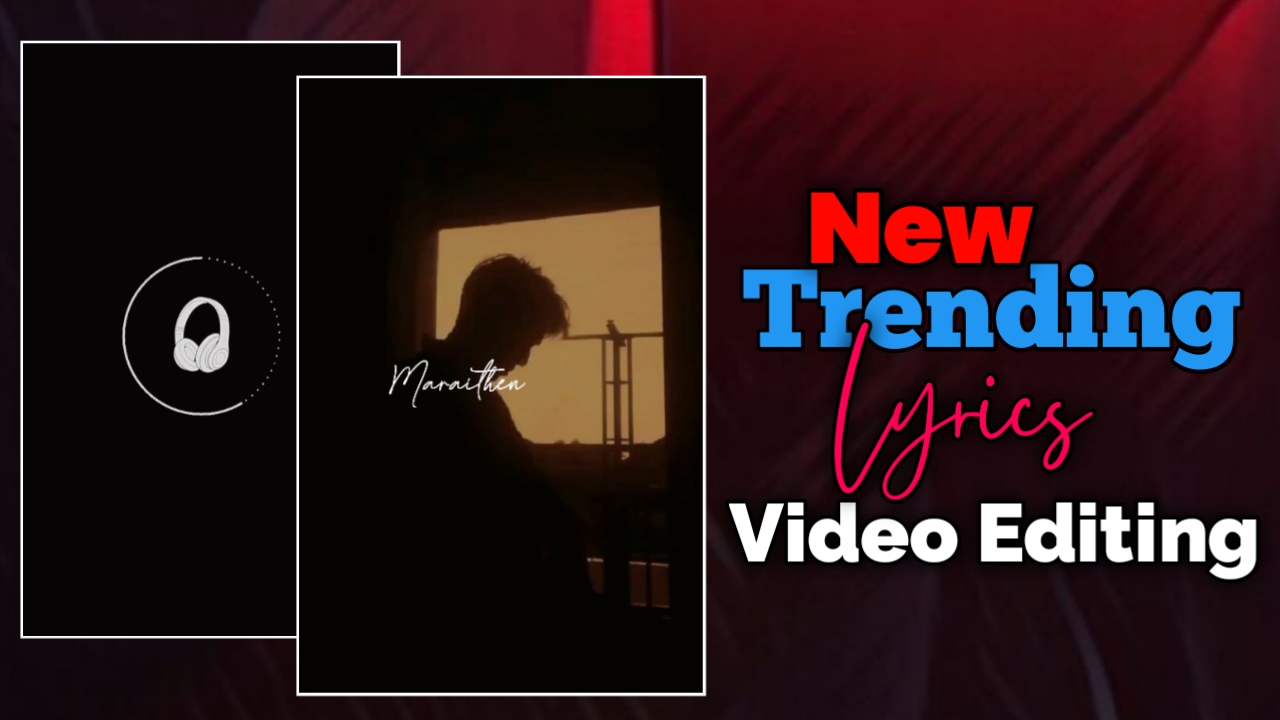
இன்றைய social media உலகத்தில் Instagram Reels, YouTube Shorts மற்றும் Facebook Reels போன்ற short video platforms மிகவும் பிரபலமாகிவிட்டன. இந்த platforms-ல் அதிகமாக trend ஆகும் content வகைகளில் ஒன்று Instagram Trending Lyrics Videos. குறிப்பாக aesthetic visuals மற்றும் smooth animations சேர்த்து செய்யும் lyrics edits பார்ப்பவர்களுக்கு மிகவும் attractive ஆக இருக்கும்.
நீங்களும் உங்கள் mobile-லேயே Alight Motion app பயன்படுத்தி professional lyrics editing videos உருவாக்கலாம். இந்த guide-ல் step-by-step முறையில் Instagram trending lyrics video edit செய்வது எப்படி என்பதை எளிமையாக பார்க்கலாம்.
Alight Motion App-ல் Project Create செய்வது
முதலில் உங்கள் mobile-ல் Alight Motion app open செய்யுங்கள்.
- App open செய்ததும் Plus (+) icon click செய்யுங்கள்.
- உங்கள் video-க்கு தேவையான aspect ratio select செய்யுங்கள்.
- Instagram Reels அல்லது YouTube Shorts editing-க்கு பொதுவாக 9:16 ratio பயன்படுத்தப்படுகிறது.
Project create செய்த பிறகு editing timeline open ஆகும்.
Audio Add செய்து Lyrics Timing Mark செய்வது
Lyrics editing-ல் timing மிகவும் முக்கியம்.
- முதலில் project-க்கு தேவையான audio அல்லது song add செய்யுங்கள்.
- Song play செய்து ஒவ்வொரு lyrics வரும் இடத்தில் mark செய்யுங்கள்.
இந்த timing later text animation add செய்யும்போது மிகவும் உதவும்.
Template Add செய்து Duration Adjust செய்வது
Audio add செய்த பிறகு editing-க்கு ஒரு template layer add செய்யலாம்.
- Template layer-ஐ project-க்கு import செய்யுங்கள்.
- Song duration-க்கு match ஆக cut அல்லது expand செய்யுங்கள்.
- Timing adjust செய்யும்போது timer marker பயன்படுத்தினால் template சரியாக align ஆகும்.
இதனால் editing process simple ஆகும்.
Image Add செய்து Fill Composition Area பயன்படுத்துவது
இப்போது video-க்கு background visuals add செய்ய வேண்டும்.
- Plus icon click செய்யுங்கள்.
- Image option பயன்படுத்தி தேவையான image add செய்யுங்கள்.
- Image add செய்த பிறகு Fill Composition Area option select செய்யுங்கள்.
இதனால் image முழு screen-ஐ cover செய்யும்.
Dish Warp Effect Add செய்வது
Image-க்கு aesthetic effect கொடுக்க Dish Warp effect பயன்படுத்தலாம்.
Steps:
- Image layer select செய்யுங்கள்
- Effects → Add Effect click செய்யுங்கள்
- Distortion / Warp category-ல் இருக்கும் Tiles effect select செய்யுங்கள்
- Standard settings apply செய்யுங்கள்
- Mirror option ON செய்யுங்கள்
இதனால் background visuals stylish look பெறும்.
Pinch / Pull Effect Add செய்வது
Zoom animation உருவாக்க Pinch / Pull effect பயன்படுத்தலாம்.
Steps:
- மீண்டும் Add Effect click செய்யுங்கள்
- Pinch / Pull effect select செய்யுங்கள்
- Standard settings apply செய்யுங்கள்
இந்த effect மூலம் zoom animation உருவாக்கலாம்.
Animation Keyframes Add செய்வது
Zoom animation உருவாக்க keyframes add செய்ய வேண்டும்.
- Strength option-க்கு செல்லுங்கள்
- Starting point-ல் first keyframe add செய்யுங்கள்
- கொஞ்சம் time gap விட்டு second keyframe add செய்யுங்கள்
Settings:
- First keyframe value: 100
- Second keyframe value: 0
இதனால் zoom in / zoom out effect கிடைக்கும்.
Ending Animation Add செய்வது
Video ending smooth ஆக இருக்க additional keyframes add செய்யலாம்.
- Endக்கு முன்னாடி ஒரு keyframe add செய்யுங்கள்
- Final keyframe value -50 set செய்யுங்கள்
மேலும் radius value increase செய்தால் effect இன்னும் smooth ஆக இருக்கும்.
Graph Adjustment செய்வது
Animation smooth ஆக இருக்க graph adjust செய்யலாம்.
- Animation graph open செய்யுங்கள்
- Curve shape adjust செய்யுங்கள்
- Smooth curve create செய்தால் transition natural ஆக இருக்கும்
இந்த method animation quality-ஐ improve செய்யும்.
Second Image-க்கு Effects Copy செய்வது
இன்னொரு image add செய்தால் effect மறுபடியும் create செய்ய தேவையில்லை.
Steps:
- First image layer select செய்யுங்கள்
- Copy layer effects option பயன்படுத்துங்கள்
- Second image layer-க்கு Paste effects செய்யுங்கள்
இதனால் editing time save ஆகும்.
Lyrics Text Add செய்வது
இப்போது video-க்கு lyrics text add செய்யலாம்.
- Plus icon click செய்யுங்கள்
- Text option select செய்யுங்கள்
- Song lyrics type செய்யுங்கள்
உதாரணமாக:
- Lyrics lines
- Caption text
- Channel name
Font Settings
Lyrics text-க்கு font style முக்கியம்.
Font:
Pullinia
Settings:
- Text color: White
- Alignment: Center
- Size: தேவையான அளவுக்கு adjust செய்யலாம்
Text ஒரே line-ல் clean-ஆ இருக்க வேண்டும்.
Lyrics Split செய்து Timing Adjust செய்வது
Lyrics timing correct ஆக இருக்க text layer split செய்ய வேண்டும்.
- Lyrics layer select செய்யுங்கள்
- தேவையான இடத்தில் split option பயன்படுத்துங்கள்
- ஒவ்வொரு lyrics line-க்கும் separate layer create செய்யுங்கள்
இதனால் lyrics timing perfect ஆக இருக்கும்.
Text Transform Effect Add செய்வது
Lyrics animation உருவாக்க Text Transform effect பயன்படுத்தலாம்.
Steps:
- Text layer select செய்யுங்கள்
- Effects → Add Effect
- Text Transform select செய்யுங்கள்
- Standard settings apply செய்யுங்கள்
Range Animation Create செய்வது
Range animation மூலம் lyrics gradually appear ஆகும்.
Steps:
- Range option open செய்யுங்கள்
- Starting point-ல் first keyframe add செய்யுங்கள்
- Endக்கு முன்னாடி second keyframe add செய்யுங்கள்
Settings:
- First keyframe value: 0
- Second keyframe value: 100
இதனால் text animation smooth-ஆ இருக்கும்.
Random Order மற்றும் Smooth Easing பயன்படுத்துவது
Animation natural ஆக இருக்க additional settings change செய்யலாம்.
Settings:
- Interpolation: Smooth
- Random order: ON
இதனால் animation dynamic look பெறும்.
Additional Sheet Animation
மேலும் dynamic animation உருவாக்க sheet animation add செய்யலாம்.
- Sheet option open செய்யுங்கள்
- இரண்டு keyframes add செய்யுங்கள்
- Second keyframe value 2 set செய்யுங்கள்
இதனால் blinking style animation கிடைக்கும்.
Effects Copy செய்து மற்ற Lyrics-க்கு Apply செய்வது
ஒவ்வொரு lyrics-க்கும் effect manually add செய்ய தேவையில்லை.
- First text layer effects copy செய்யுங்கள்
- மற்ற lyrics layers-க்கு paste செய்யுங்கள்
இதனால் editing process fast ஆகும்.
Final Preview Check செய்வது
Editing complete ஆன பிறகு video preview check செய்யுங்கள்.
Check செய்ய வேண்டியவை:
- Lyrics timing சரியா?
- Animation smooth-ஆ இருக்கிறதா?
- Visual effects properly work ஆகிறதா?
எல்லாம் சரியாக இருந்தால் video export செய்து Instagram Reels அல்லது YouTube Shorts-ல் upload செய்யலாம்.
Conclusion
Alight Motion பயன்படுத்தி Instagram trending lyrics videos உருவாக்குவது மிகவும் easy. சரியான templates, smooth animations மற்றும் clean typography பயன்படுத்தினால் உங்கள் edits professional look பெறும். தொடர்ந்து practice செய்தால் உங்கள் lyrics edits Instagram Reels மற்றும் YouTube Shorts போன்ற platforms-ல் அதிக reach மற்றும் engagement பெறும் வாய்ப்பு உள்ளது.
